Skip to content
KodiFirestickIPTV Simple ClientPVR

Kodi on Firestick with IPTV Simple Client: Setup Guide (2026)

Published: Updated: 3 min read
Share:

Watch on any device — no cable needed

Start your free 24-hour trial. No credit card required.

Start Free Trial

Kodi doesn't play IPTV on its own. To watch live channels on a Firestick you install Kodi, then add the PVR IPTV Simple Client add-on from Kodi's official repository and point it at your M3U playlist and EPG link. It's more steps than a dedicated IPTV app, but you get Kodi's full TV interface. Here's the whole route, including the error that trips most people up.
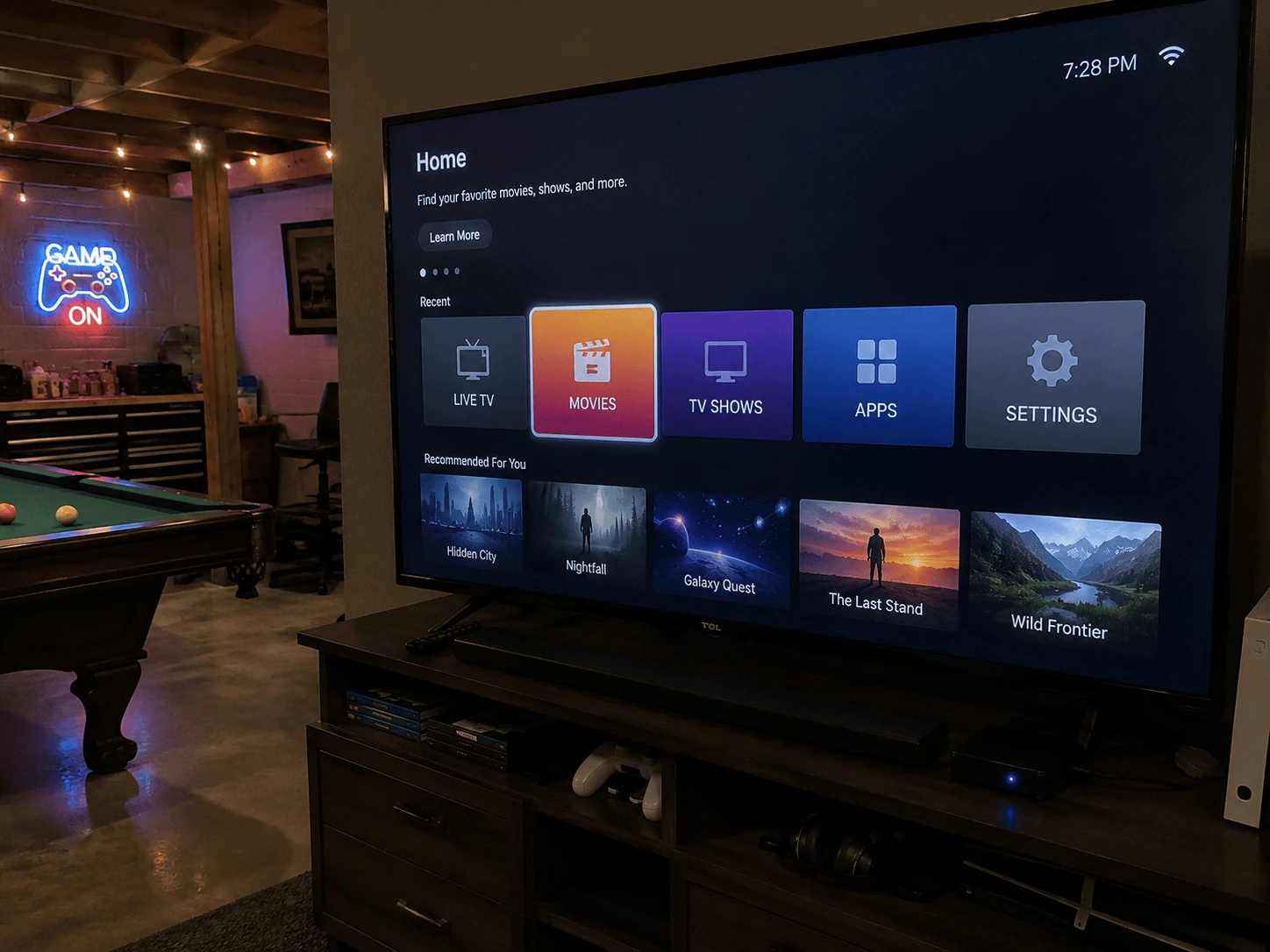
Kodi with PVR IPTV Simple Client on Firestick
Image: Kodi and the IPTV Simple Client add-on on Firestick

What are Kodi and IPTV Simple Client?

Kodi is a free, open-source media centre. Out of the box it plays local and network files, nothing more. PVR IPTV Simple Client is an official Kodi add-on that, in the words of the Kodi wiki, supports M3U playlists, live TV and radio streams, and EPG. Together they turn Kodi into a live TV player for the playlist your provider sends you.

Step 1: install Kodi on your Firestick

Kodi isn't in the Amazon Appstore, so it's sideloaded:

  1. Install the free Downloader app and allow it under Settings → My Fire TV → Developer Options → Install unknown apps. Our Firestick IPTV setup guide shows each screen.
  2. In Downloader's browser, open kodi.tv/download and choose Android.
  3. The page offers ARMV7A (32-bit) and ARMV8A (64-bit) builds. Most Fire TV installs use the 32-bit build; if one won't install, try the other.
  4. Install the file, then open Kodi.

Only download Kodi from kodi.tv — "pre-loaded" Kodi builds from other sites come with add-ons you can't vet.

Step 2: install PVR IPTV Simple Client from the repository

This is where older guides go wrong: on current Kodi versions the add-on is installed from the official repository, not just switched on.

  1. If you've used other PVR add-ons, disable them first — the Kodi wiki recommends it.
  2. Go to Settings (gear) → Add-ons → Install from repository.
  3. Open Kodi Add-on repository → PVR clients.
  4. Select PVR IPTV Simple Client and choose Install, accepting any extra components it asks for.

Step 3: add your playlist and EPG

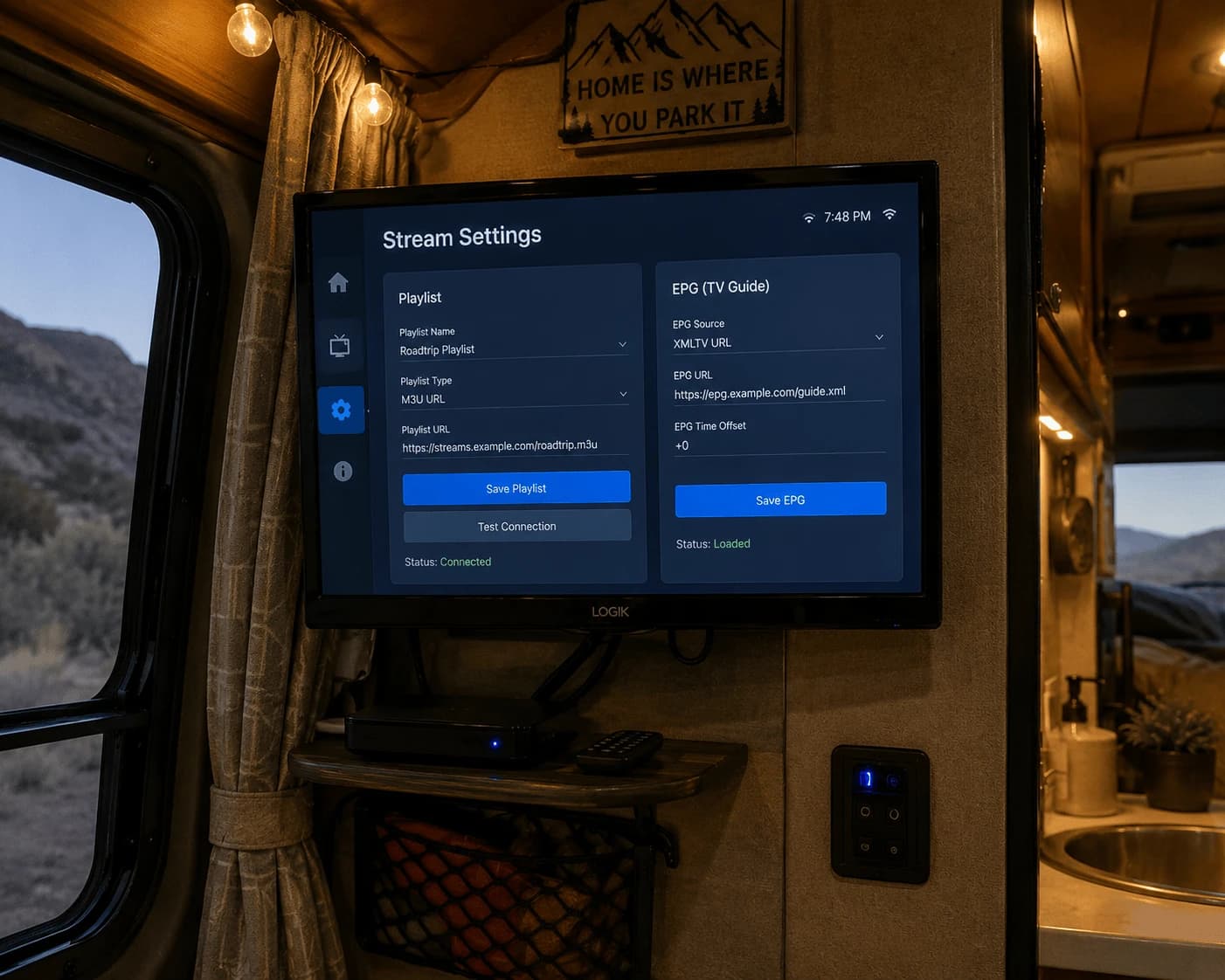
  1. Open the add-on (Add-ons → My add-ons → PVR clients → PVR IPTV Simple Client) and select Configure.
  2. On the General tab, set the location to Remote path (Internet address) and paste your M3U link.
  3. On the EPG tab, set the location to Remote path and paste your provider's XMLTV address.
  4. Confirm with OK, then restart Kodi. Channels appear under TV on the home screen.

IPTV Simple Client works with M3U links. If you only have Xtream details, ask your provider for the M3U version of your account — Watchzio includes one. No account yet? Try Watchzio free for 24 hours, no card needed.
Fixing common Kodi IPTV problems

"ffmpeg missing" or an inputstream error

Some streams need an extra Kodi component to play. Go to Add-ons → Install from repository → Kodi Add-on repository → VideoPlayer InputStream, install InputStream FFmpegDirect (and InputStream Adaptive), then restart Kodi.

No channels after restarting

Re-open the add-on settings and check the M3U link pasted completely. Then make sure the add-on is enabled and your subscription is active.

The TV guide is empty

Check the EPG address on the EPG tab, restart Kodi and give it a few minutes. If it stays empty, clear the guide under Settings → PVR & Live TV → Guide → Clear data and let it reload.

Buffering

Aim for 10 Mbps for HD and 25 Mbps or more for 4K; a wired Ethernet adapter fixes most Firestick buffering.

Kodi or a dedicated IPTV app?

Kodi is flexible and free, but the setup has more moving parts. If you just want to add a playlist and watch, a dedicated player is quicker: TiviMate has the best TV guide, and IBO Player Pro lets you add your playlist from your phone.

The Bottom Line

Install Kodi from kodi.tv, add PVR IPTV Simple Client from the official repository, paste your M3U and EPG links, and restart — that's a working Kodi live TV setup. Need a playlist to try it with? Start a free 24-hour Watchzio trial with no credit card, or compare the IPTV subscription plans.

Watch on any device — no cable needed

Start your free 24-hour trial. No credit card required.

Frequently Asked Questions

How do I install IPTV Simple Client in Kodi?
Go to Settings → Add-ons → Install from repository → Kodi Add-on repository → PVR clients, select PVR IPTV Simple Client and choose Install. Disable any other PVR add-ons first.
Is Kodi in the Amazon Appstore for Firestick?
No. Kodi is sideloaded on Firestick: open kodi.tv/download in the Downloader app, choose the Android build and install it.
How do I fix "ffmpeg missing" in Kodi IPTV Simple Client?
Install InputStream FFmpegDirect (and InputStream Adaptive) from Add-ons → Install from repository → Kodi Add-on repository → VideoPlayer InputStream, then restart Kodi.
Can I use Xtream Codes details in Kodi?
PVR IPTV Simple Client works with M3U links. Ask your provider for the M3U version of your Xtream account and paste it as a remote path in the add-on settings.
Why is the Kodi TV guide empty?
Check the XMLTV address on the add-on's EPG tab and restart Kodi. If it stays empty, clear the guide data under Settings → PVR & Live TV → Guide and let it reload.
Is Kodi better than TiviMate for IPTV?
Kodi is free and flexible but takes more setup. TiviMate is quicker to set up and has a stronger TV guide, so it suits people who just want to add a playlist and watch.