To install IBO Player Pro on a Firestick, open the Downloader app and enter code 481220 (or the URL iboproapp.com/ibopro.apk), install the APK, then add your playlist using the MAC address and Device Key the app shows on screen. Five minutes, start to finish — if you pick the right app. That last part is where most people go wrong.
First: which IBO app do you actually want?
"IBO" is a crowded name. At least five different apps use it, from two separate developers, and each has its own Downloader code. Grab the wrong one and your provider's activation instructions won't match what's on your screen.
| App name | Developer site | Downloader code |
|---|---|---|
| IBO Player Pro (the one most providers mean) | iboproapp.com | 481220 |
| IBO Player | ibo.al (Ibosol) | 1171959 |
| IBO Player Pro — Ibosol edition | ibo.al (Ibosol) | 923441 |
| IBO Pro Player | ibo.al (Ibosol) | 6402995 |
| IBO PRO | ibo.al (Ibosol) | 474637 |
This guide covers IBO Player Pro from iboproapp.com — the version most IPTV providers send their customers to. The Ibosol apps follow a similar MAC-and-key idea, but their websites, menus and activation pages are different, so don't mix the instructions. Codes can change: if one stops working, check the developer's own site rather than a random forum post.
What is IBO Player Pro?
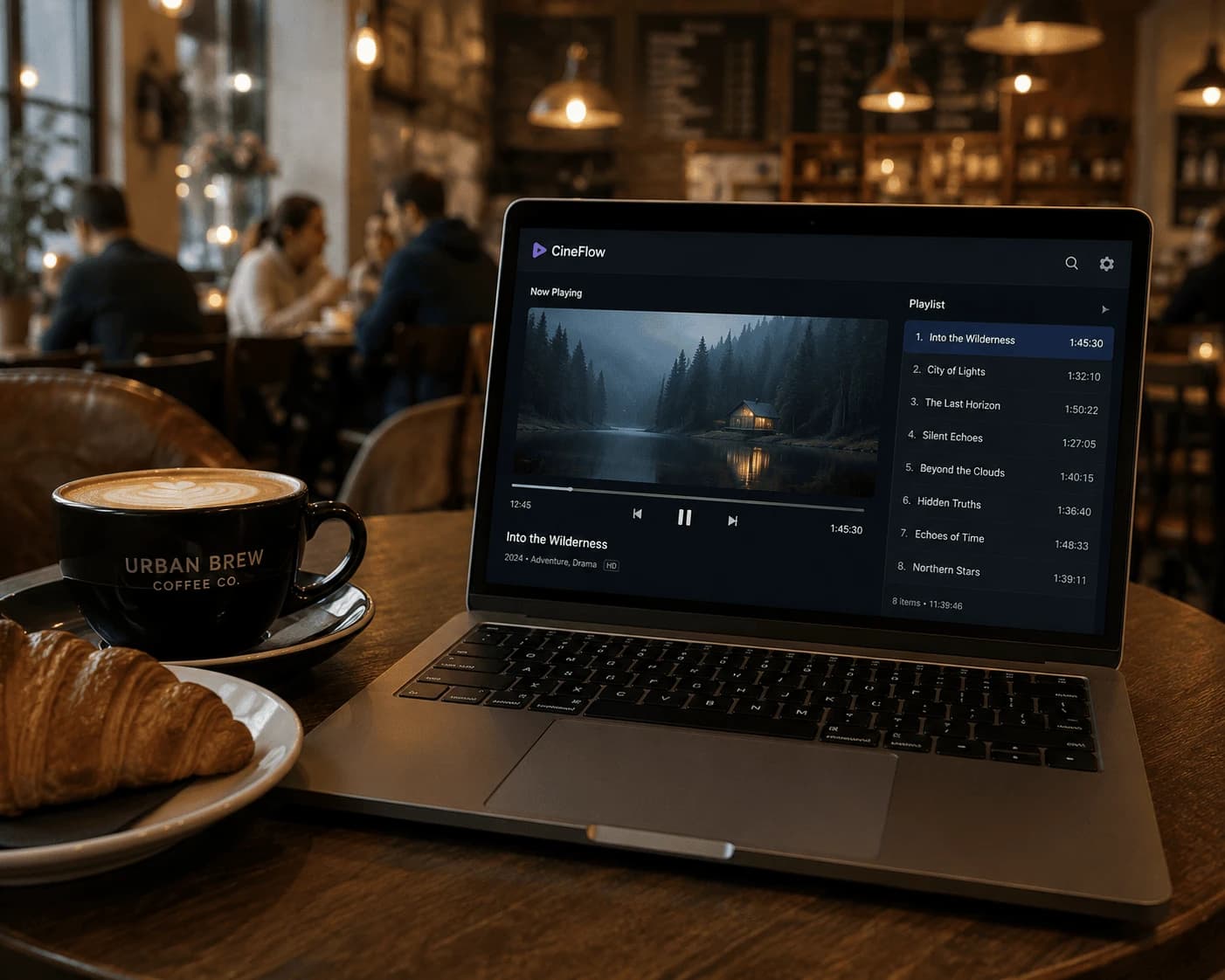
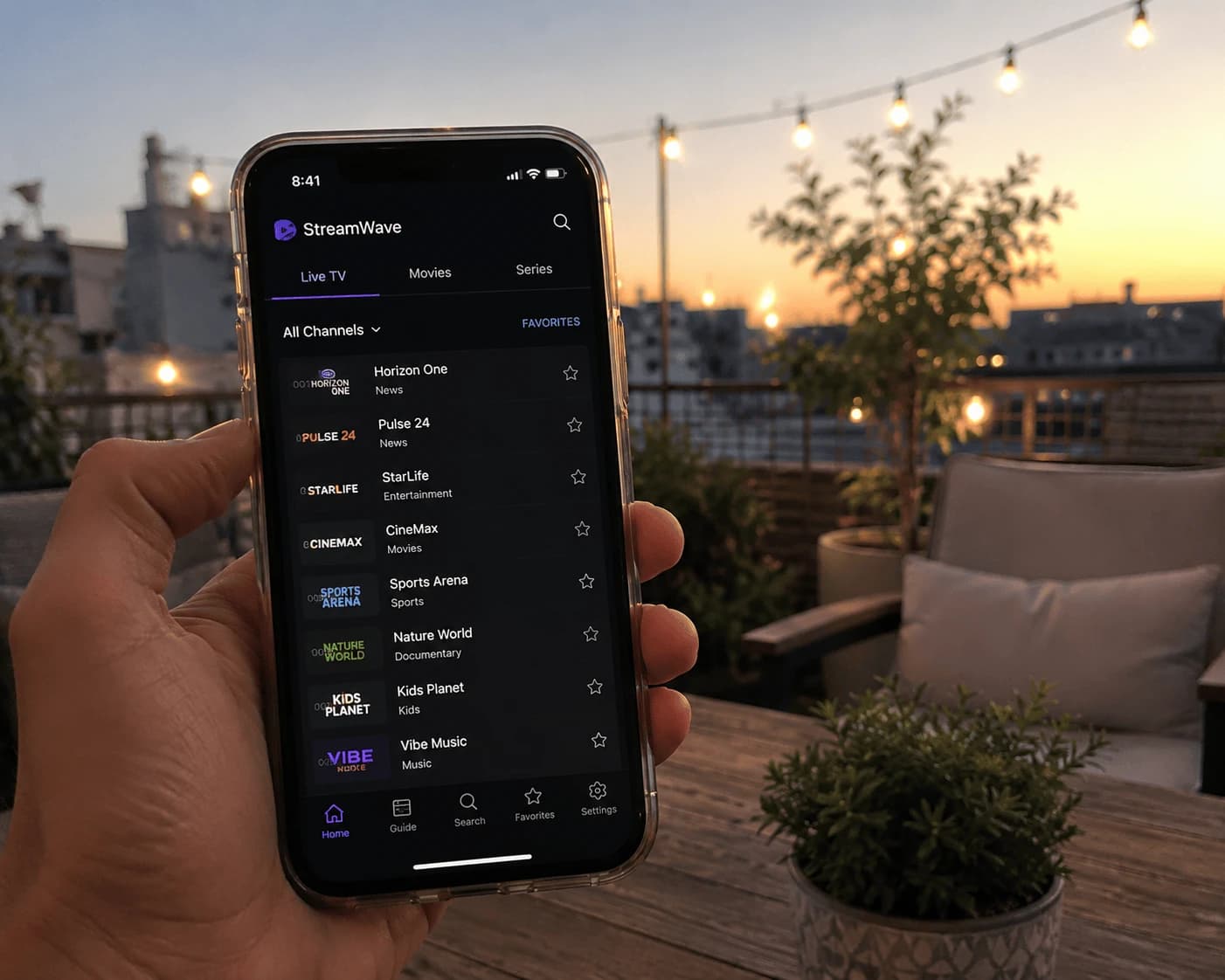
IBO Player Pro is a media player for Android TV, Android boxes and Amazon Fire TV devices that plays M3U and Xtream-style IPTV playlists. It contains no channels, films or series of its own — it is an empty player until you add a playlist from your provider. The developer says exactly that in its FAQ, and adds that the licence isn't refunded if you buy it without a working list.
How do you install IBO Player Pro on a Firestick?
IBO Player Pro isn't in the Amazon Appstore, so it's sideloaded with the free Downloader app. If you've installed any IPTV app on your Fire TV before, you already know the drill.
- Install Downloader. Search "Downloader" on the Fire TV home screen and install it (the orange icon by AFTVnews).
- Allow it to install apps. Go to Settings → My Fire TV → Developer Options → Install unknown apps and switch Downloader on. No Developer Options? Open Settings → My Fire TV → About and click your device name seven times to reveal it. Our Firestick IPTV setup guide walks through this screen by screen.
- Enter the code. Open Downloader, select the URL box and type 481220, then press Go. If the code doesn't resolve, type
iboproapp.com/ibopro.apkinstead — same file. - Install. When the download finishes (around 22 MB), choose Install, then Done. Delete the APK when Downloader offers to — it frees space on 8 GB sticks.
- Open IBO Player Pro. The first screen shows your MAC Address and Device Key. Write both down, or take a photo of the TV — you need them in the next step.
The same steps work on the Fire TV Cube and Fire TV Stick 4K/4K Max — the menus are identical.
How do you add your playlist?
You have two routes. Most people find the website quicker, because typing a long server URL with a Fire TV remote is painful.
Option A: through the IBO Player Pro website
- On your phone or computer, open iboproapp.com → Manage Playlists.
- Log in with the MAC Address and Device Key from your TV.
- Add a playlist: paste the M3U link your provider sent, or the Xtream details (server URL, username, password) if that's what you received. Give it a name and save.
- Back on the Firestick, restart IBO Player Pro. The playlist appears in the list.
Option B: inside the app
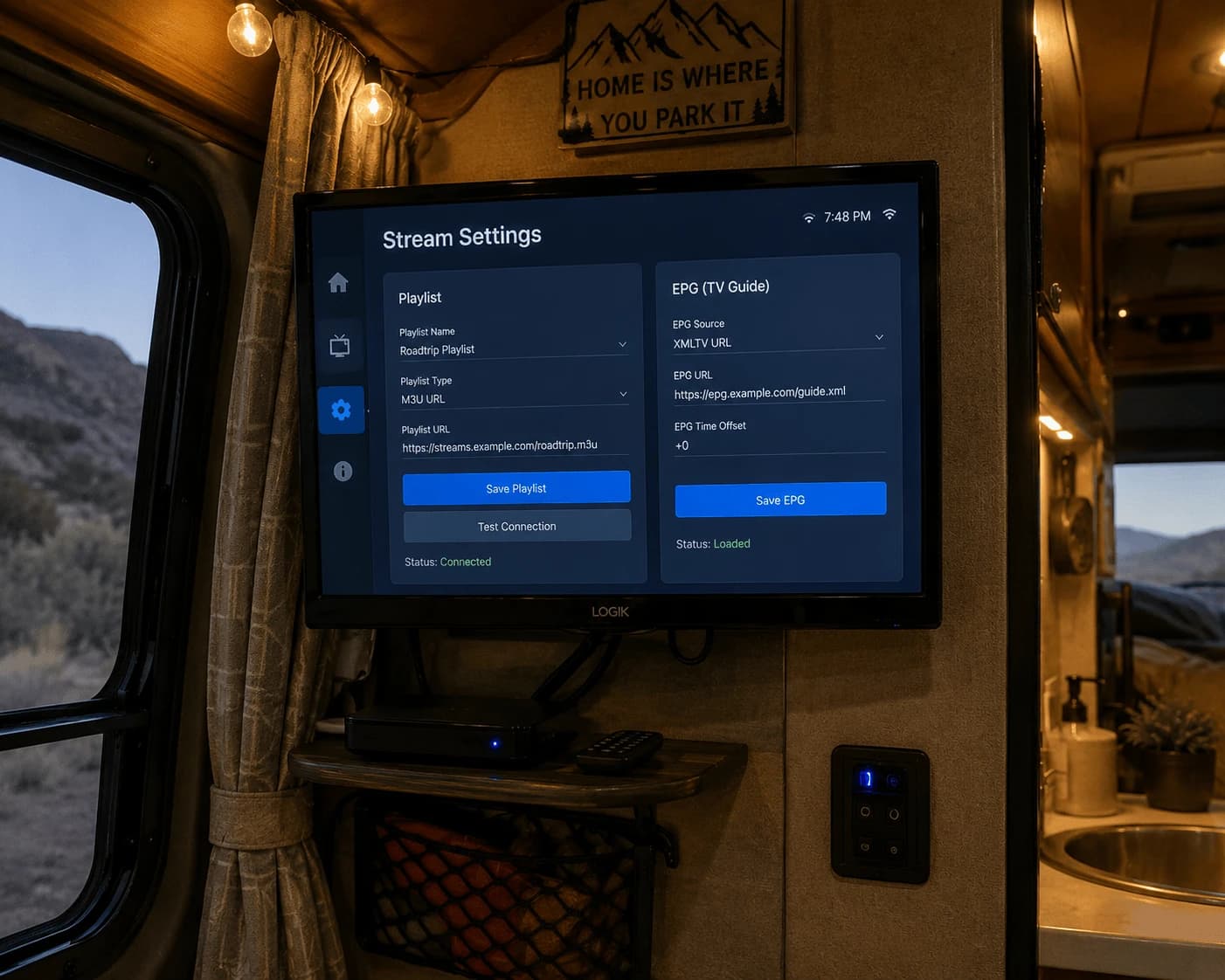
Add the playlist directly in IBO Player Pro's playlist settings using the same M3U link or Xtream details. Slower to type, but no second device needed.
Some providers do this part for you: you send them your MAC address and they push the playlist to your device. Either way, Watchzio credentials work with IBO Player Pro — if you don't have a playlist yet, try Watchzio free for 24 hours before you pay for any player licence.