Skip to content
TiviMateAndroid TV BoxGoogle TVHow-To

TiviMate on Android TV Box & Google TV: Install and Setup (2026)

Published: Updated: 4 min read
Share:

Watch on any device — no cable needed

Start your free 24-hour trial. No credit card required.

Start Free Trial

On an Android TV box or Google TV device, the simplest way to get TiviMate is the Google Play Store — the developer lists it there for Android TV. If your box has no Play Store, or you want the direct version, use the Downloader app with the official code 272483 (or tivimate.com/apk). Then add your M3U link or Xtream login and set up the TV guide.
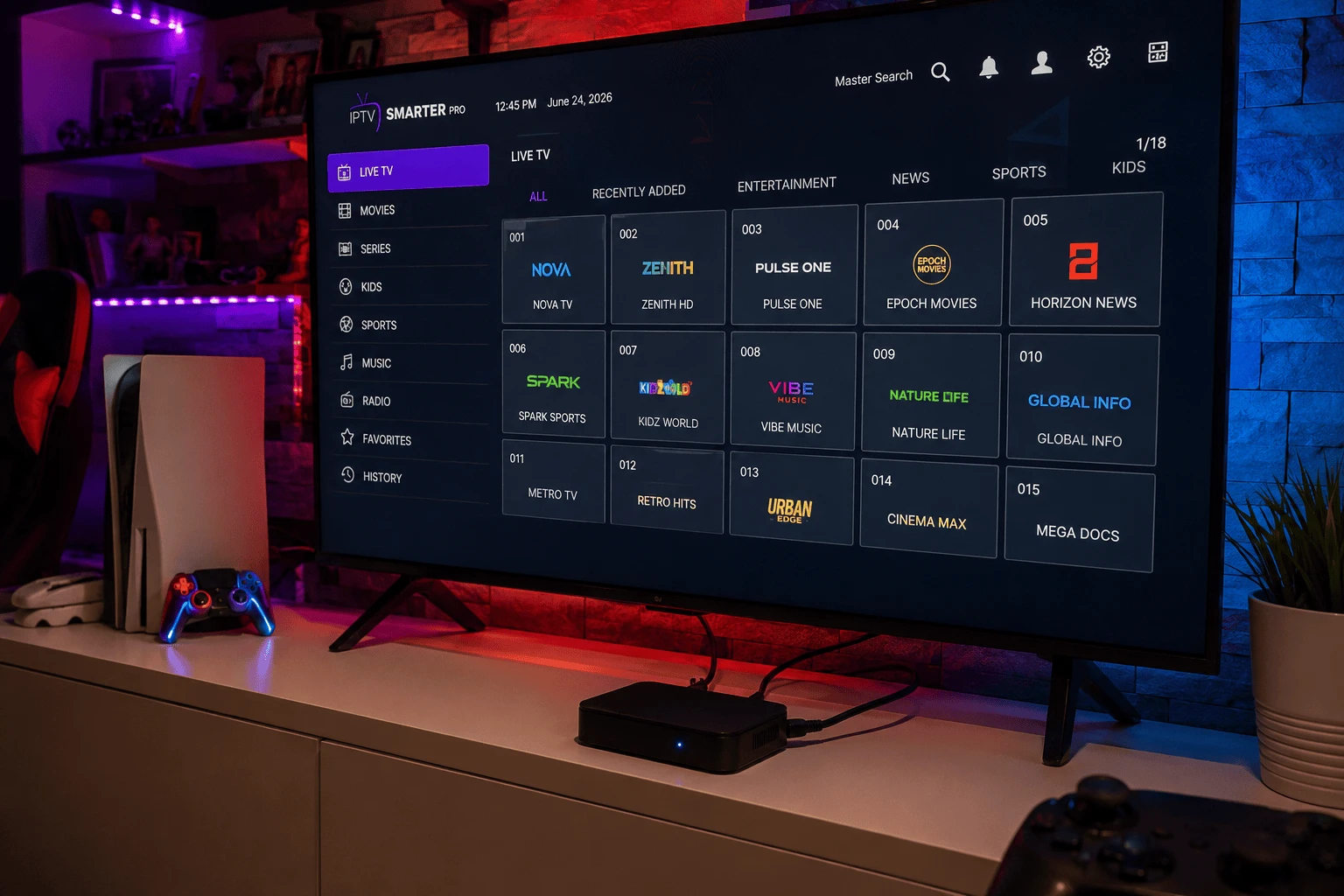
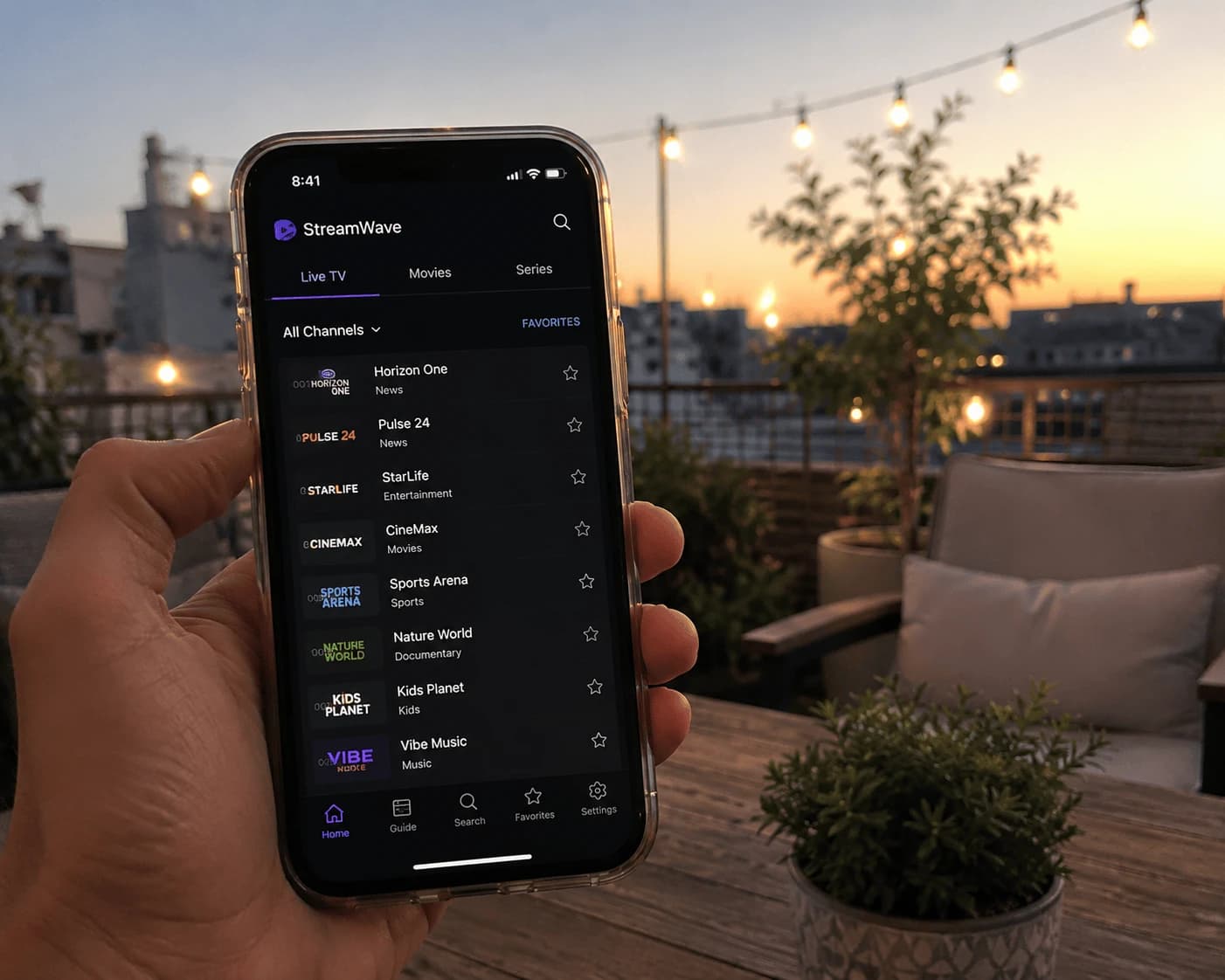
TiviMate on an Android TV box
Image: TiviMate installed on an Android TV box

What is TiviMate?

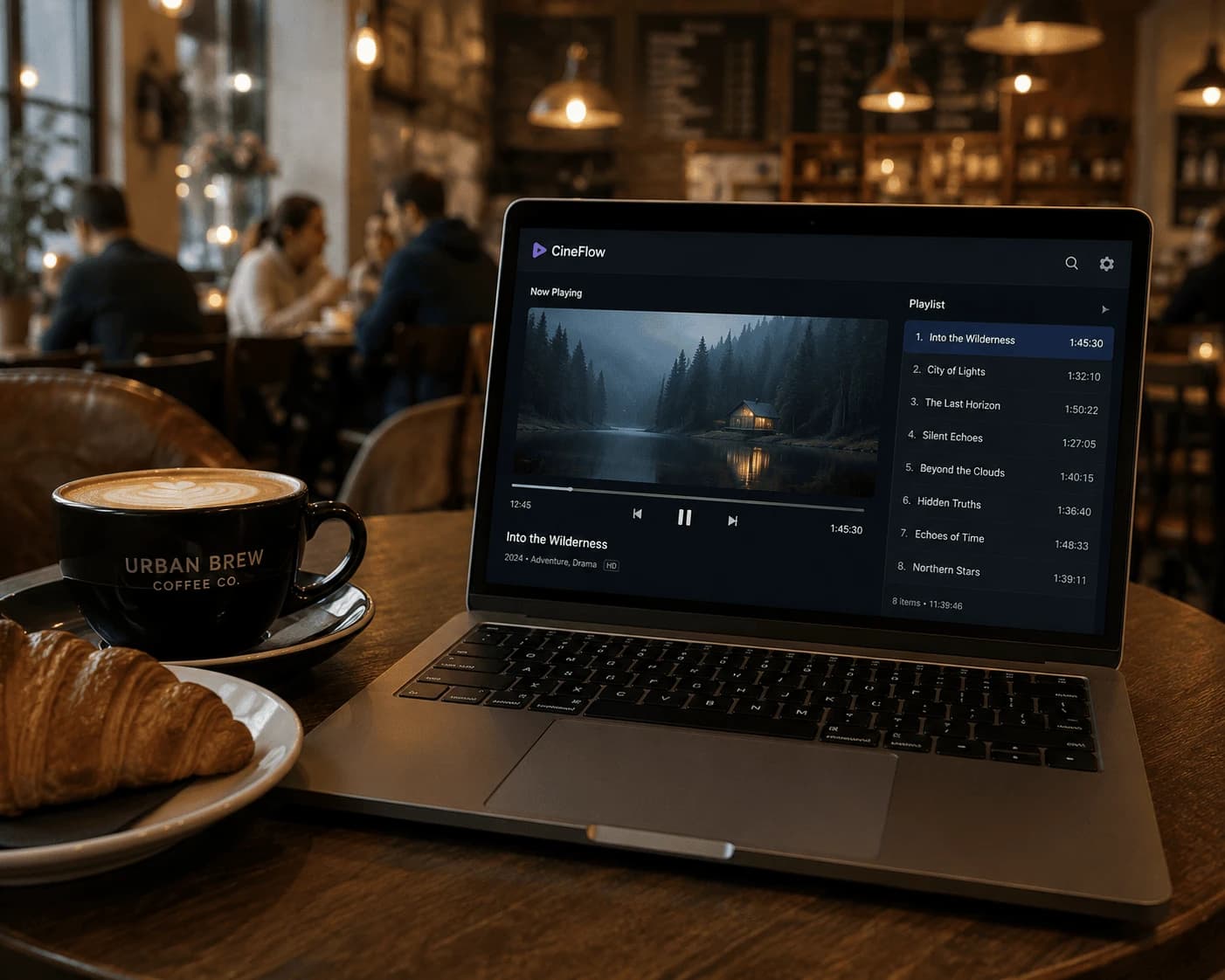
TiviMate is a media player made for Android TV devices. You add your own playlist and it shows live TV, films and shows in a TV-guide grid, with catch-up, recording, multiview and parental controls. It has no channels of its own — everything comes from your provider's playlist. It's built for TVs, so the developer notes it isn't optimised for phones and tablets.

Why an Android box suits TiviMate

Android TV boxes often have more memory than a streaming stick, which helps when TiviMate draws a large guide, and many have an Ethernet port — the single best fix for buffering. Google TV devices, Xiaomi Mi Box/TV Box models and most other certified Android TV boxes all run TiviMate the same way.

How do you install TiviMate on an Android TV box?

Option 1: Google Play (easiest)

  1. Open the Google Play Store on the box (on Google TV, use Search on the home screen).
  2. Search for TiviMate and install TiviMate IPTV Player.
  3. Open it from your apps.

Option 2: the direct APK

The developer also offers a direct version that it says "has fewer restrictions and checks for updates":

  1. Install the free Downloader app from Google Play.
  2. Allow Downloader to install apps. The menu name varies by box — usually Settings → Apps → Security & restrictions → Unknown sources, or Settings → Device Preferences → Security on older boxes.
  3. Open Downloader, enter 272483 (or tivimate.com/apk) and install the file.

"Google blocked the app"

When you sideload an app on a Google TV device, Google Play Protect may show a warning or ask you to confirm. If the file came from tivimate.com, choose the option to install anyway. If you'd rather avoid the warning altogether, use the Google Play version.

Adding your playlist

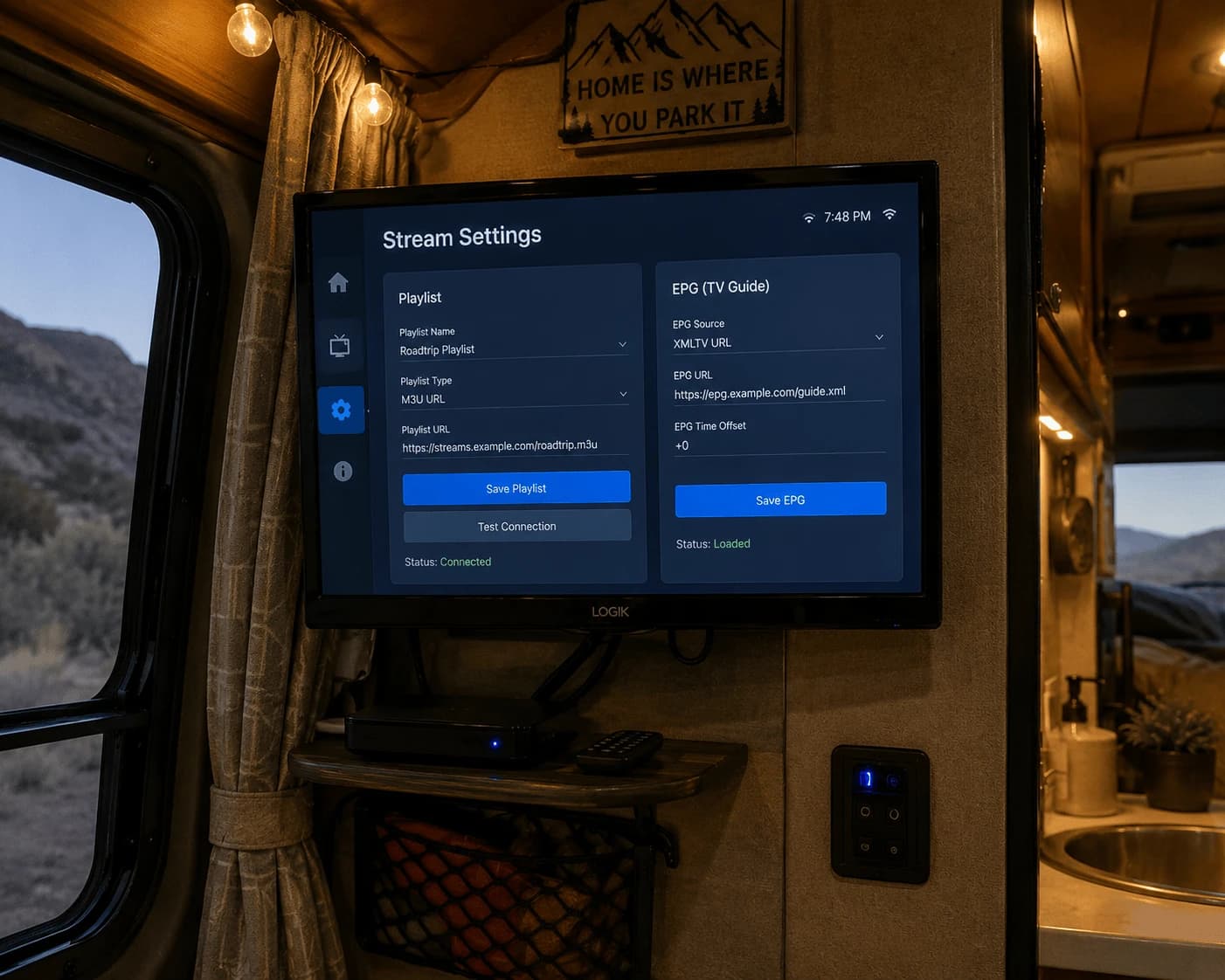
  • Xtream Codes — choose Add playlist → Xtream Codes login and enter the server address, username and password.
  • M3U link — choose Add playlist → M3U playlist, paste the link and confirm.

The channel grid loads within seconds. No playlist yet? Try Watchzio free for 24 hours, no card needed.
Getting the TV guide (EPG) to show

An Xtream login usually brings the guide with it. For an M3U playlist, open Settings → Playlists, select your list, choose EPG sources, add your provider's XMLTV address and run Update EPG. Large guides can take a few minutes on first load.

TiviMate Premium on an Android box

Premium is bought through the separate TiviMate Companion app on an Android phone, then activated by signing in to the same account inside TiviMate on the box. If TiviMate says Premium isn't linked to your device, open its settings, check you're signed in with the account you used in Companion, and sign in again. Premium unlocks features, not channels — test your playlist on the free version first.

Fixing common problems

  • How do I update TiviMate? The Google Play version updates through the Play Store; the direct version checks for updates itself, or you can reinstall with code 272483.
  • Buffering — plug in Ethernet if your box has a port; otherwise aim for 10 Mbps for HD and 25 Mbps or more for 4K.
  • Nothing loads — check your subscription is active, then re-enter the server address exactly as your provider wrote it.
  • The guide is empty — run Update EPG and wait; if it stays empty, ask your provider for the correct XMLTV address.

Using a Firestick instead?

The steps differ slightly on Amazon devices — see our TiviMate guide for Firestick. And if you'd prefer to manage playlists from your phone rather than with the remote, IBO Player Pro also runs on Android TV boxes.

The Bottom Line

Install TiviMate from Google Play, or with Downloader code 272483 for the direct version, add your playlist and sort the EPG — an Android box is about the best home TiviMate can have. Need a playlist to try it with? Start a free 24-hour Watchzio trial with no credit card, or compare the IPTV subscription plans.

Watch on any device — no cable needed

Start your free 24-hour trial. No credit card required.

Frequently Asked Questions

Is TiviMate on the Google Play Store?
Yes. The developer lists TiviMate IPTV Player on Google Play for Android TV devices, which is the easiest way to install it on an Android TV box or Google TV.
What is the Downloader code for TiviMate on an Android box?
The official code published on tivimate.com is 272483, or you can enter tivimate.com/apk. This direct version has fewer restrictions and checks for updates itself.
Why does Google block TiviMate on my Google TV?
Google Play Protect can warn about apps installed outside the Play Store. If the file came from tivimate.com you can choose to install anyway, or install the Google Play version to avoid the warning.
Why does TiviMate say Premium is not linked to my device?
Premium is bought in the TiviMate Companion app and activated by signing in. Open TiviMate settings, make sure you are signed in with the same account you used in Companion, and sign in again if needed.
Can I use TiviMate on an Android phone?
TiviMate is designed for Android TV devices, and its developer says it is not optimised for phones and tablets.
How do I update TiviMate on an Android box?
The Google Play version updates through the Play Store. The direct version checks for updates itself, or you can reinstall it with Downloader code 272483.