Yes, you can use IPTV Smarters on an iPhone or iPad — but search the App Store for "IPTV Smarters" and you'll get a page of look-alikes. The app from the official developer, WHMCS SMARTERS, is listed as Smarters Player Lite. Install that one, add your playlist link, and AirPlay it to your TV when you want the big screen. Here's how to spot the right app and get it working in about five minutes.
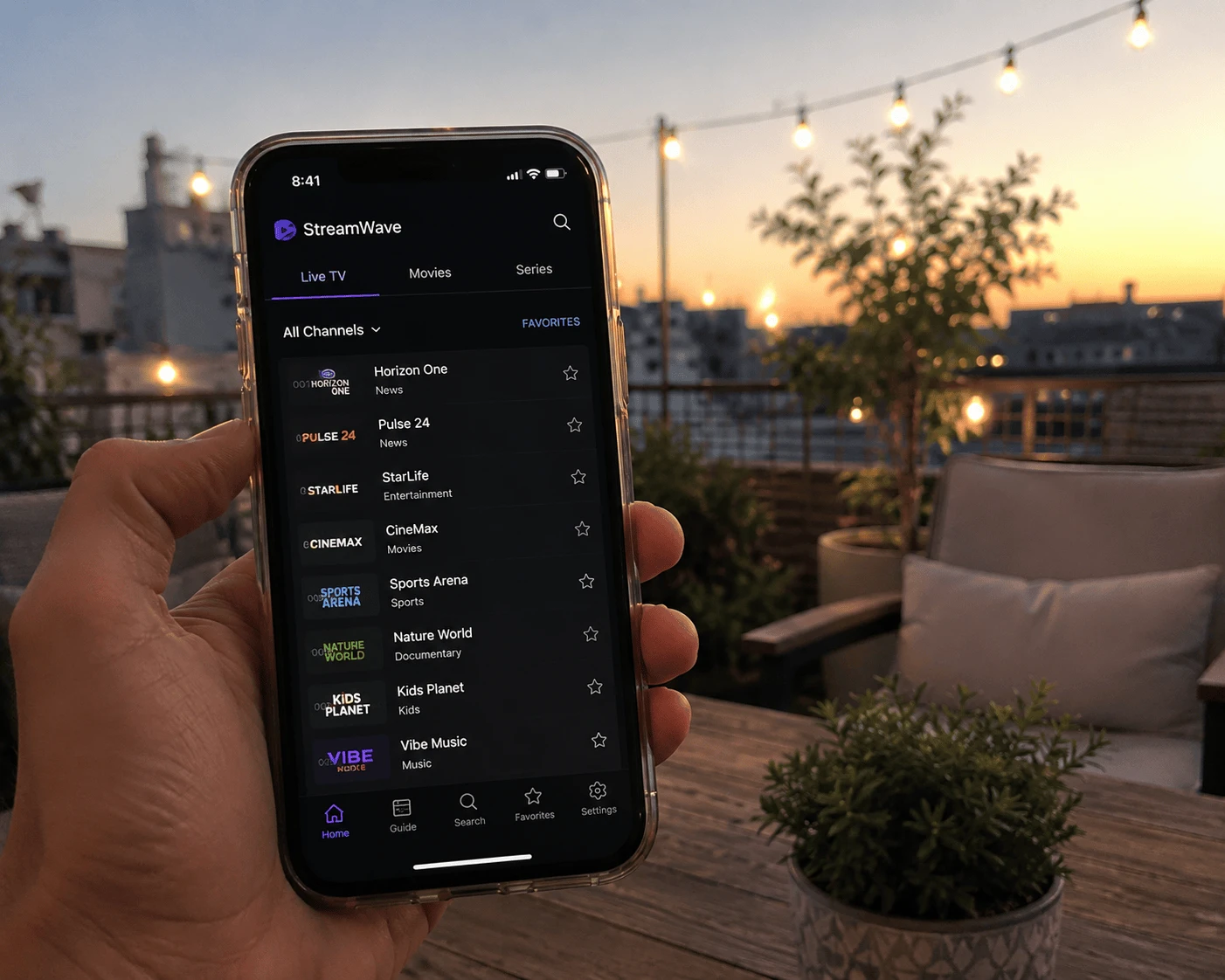
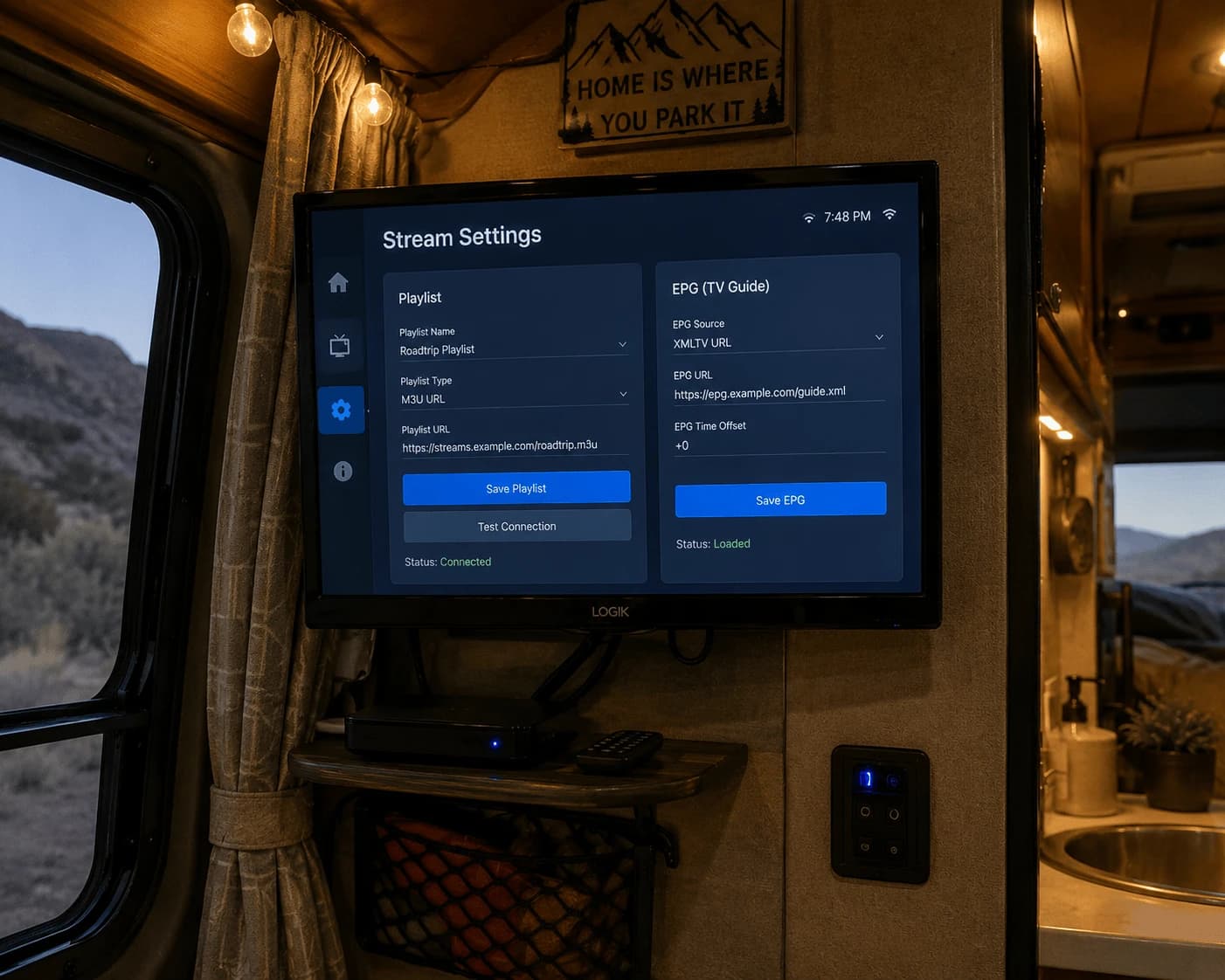
Image: the official Smarters app on iPhone and iPad, with AirPlay to the TV
Which IPTV Smarters app is the official one on iPhone?
The official Smarters app on the App Store is Smarters Player Lite, published by WHMCS SMARTERS, the company behind iptvsmarters.com. It's free, runs on iPhone and iPad with iOS 15.6 or later, and its listing links to the terms on iptvsmarters.com. Dozens of other apps use "Smarters" in their name but come from different developers.
Before you tap Get, check three things on the listing:
Developer — the name under the app title should read WHMCS SMARTERS.
App name — Smarters Player Lite. Apps called "Smarters IPTV Pro", "IPTV Smarters Player" and similar are from other publishers.
Payment prompts — if an app asks you to pay to "activate" after a short trial, read the developer name again before paying. You may have installed a different app.
None of these apps, official or not, contain channels. Smarters is a player: it shows the playlist your IPTV provider gives you.
How to install Smarters on iPhone or iPad
Open the App Store and search for Smarters Player Lite.
Open the listing and confirm the developer is WHMCS SMARTERS.
Tap Get and confirm with Face ID, Touch ID or your Apple Account password.
Open the app. Updates arrive through the App Store like any other iOS app.
How to add your IPTV playlist
The App Store listing describes Smarters Player Lite as a player for M3U and JSON playlists, so the M3U link is the reliable route:
On the first screen, choose the playlist or URL option.
Give the playlist any name, paste the M3U link from your provider, and confirm.
Wait a few seconds while the channel list, films and series load.
Only got Xtream details — server URL, username and password? If your version of the app offers an Xtream Codes login, enter them there. If it doesn't, ask your provider for the M3U version of your account. Watchzio sends both formats in the welcome email. Need a playlist to test with? Start a free 24-hour Watchzio trial — no card required.
Tip: copy the link on the iPhone itself (from the email) and paste it. Typing a long M3U address on a phone keyboard is where most failed logins start.
How to watch IPTV Smarters on your TV with AirPlay
A phone screen is fine for the news; a match or a film deserves the TV. With an Apple TV or an AirPlay-compatible TV on the same Wi-Fi network, you have two options (Apple's AirPlay guide explains both):
AirPlay from the player — start a channel and tap the AirPlay icon in the playback controls, if the app shows one. Only the video is sent, so the picture is usually smoother.
Screen Mirroring — open Control Center (swipe down from the top-right corner), tap Screen Mirroring and pick your TV. Everything on the screen is copied, so keep the app open and the phone unlocked.
Fixing common Smarters problems on iOS
The playlist won't load
Paste the link again, in full. A missing http://, a space at the end or a link cut off by the email app are the usual causes. Then check with your provider that the subscription is still active.
Buffering on iPhone
Switch from mobile data to Wi-Fi and stay close to the router. HD needs about 10 Mbps and 4K at least 25 Mbps — run a speed test on the phone itself, not on another device.
AirPlay can't find the TV
The iPhone and the TV or Apple TV must be on the same Wi-Fi network. Guest networks and some mesh setups separate devices — connect both to the main network and try again.
Playback stops when the screen locks
iOS pauses many apps in the background to save battery. When mirroring, keep the app in the foreground; AirPlay from the player icon copes better with a locked screen.
The app asks for a subscription you didn't expect
Check the developer name. Many look-alike apps charge for activation; your IPTV subscription and the player app are two separate things.
A simpler option for iPhone, iPad and Apple TV: IBO Pro Player
If you'd rather not type links on a phone — or you want the app on your Apple TV too — IBO Pro Player is the one we'd pick. Its App Store listing (developer IRBOETECH CO., LIMITED, website iboproapp.com) covers iPhone, iPad and Apple TV, and you add your playlist from a computer on the website instead of in the app.
Smarters Player Lite
IBO Pro Player
Developer on the App Store
WHMCS SMARTERS
IRBOETECH CO., LIMITED
Devices
iPhone and iPad
iPhone, iPad and Apple TV
Adding your playlist
Pasted into the app
Uploaded on iboproapp.com from any browser
Price
Free
Free to install; activation via the website or an in-app purchase
Works with Watchzio
Yes
Yes
The website steps are the same on every device; our IBO Player Pro setup guide walks through them, from finding the device details to uploading the list.
The Bottom Line
On iPhone and iPad, install Smarters Player Lite from WHMCS SMARTERS — not a look-alike — paste your M3U link and AirPlay it to the TV. If you want Apple TV support or easier playlist setup, IBO Pro Player is the better fit. Either way, try it with a free 24-hour Watchzio trial, no credit card, and compare the IPTV subscription plans when you're ready.
Watch on any device — no cable needed
Start your free 24-hour trial. No credit card required.
The official developer, WHMCS SMARTERS, publishes its iPhone and iPad app on the App Store as Smarters Player Lite. Other apps with Smarters in the name are from different developers.
How do I know which Smarters app is the official one?
Open the App Store listing and look at the developer name under the title. The official app is Smarters Player Lite by WHMCS SMARTERS, and its listing links to the terms on iptvsmarters.com.
Can I use Xtream Codes in IPTV Smarters on iOS?
The App Store listing describes Smarters Player Lite as an M3U and JSON playlist player. If your version offers an Xtream Codes login, use it; otherwise ask your provider for the M3U link of your account.
How do I watch IPTV Smarters on my TV from an iPhone?
Connect the iPhone and an Apple TV or AirPlay-compatible TV to the same Wi-Fi network, then use the AirPlay icon in the player or Screen Mirroring in Control Center.
Is IPTV Smarters free on iPhone?
Smarters Player Lite is free on the App Store. The app contains no channels, so you still need a playlist from an IPTV provider such as Watchzio.
What is the best alternative to IPTV Smarters on iPhone and Apple TV?
IBO Pro Player runs on iPhone, iPad and Apple TV and lets you upload your playlist on iboproapp.com from a browser. It is free to install, with activation through the website or an in-app purchase.
Perfect Player still works but is no longer maintained. How to add your playlist and EPG, reload them, fix common errors, and which player to install instead.
Open an IPTV M3U playlist in VLC on Windows or Mac, turn Xtream login details into a working link, show the channel list and fix 'can't open MRL' errors.
Install Kodi on Firestick, add the PVR IPTV Simple Client from the official repository, load your M3U playlist and EPG, and fix the 'ffmpeg missing' and empty-guide errors.