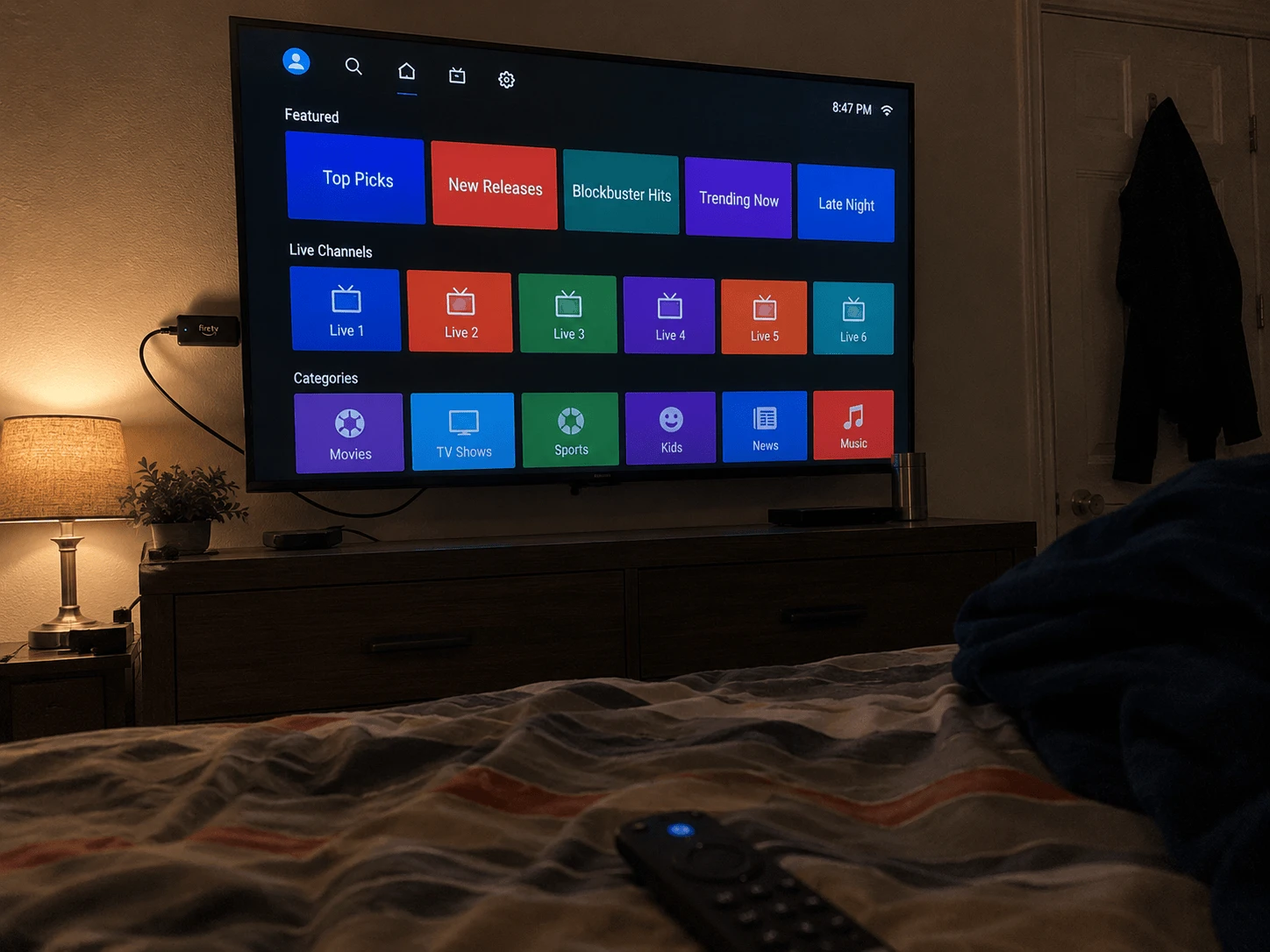
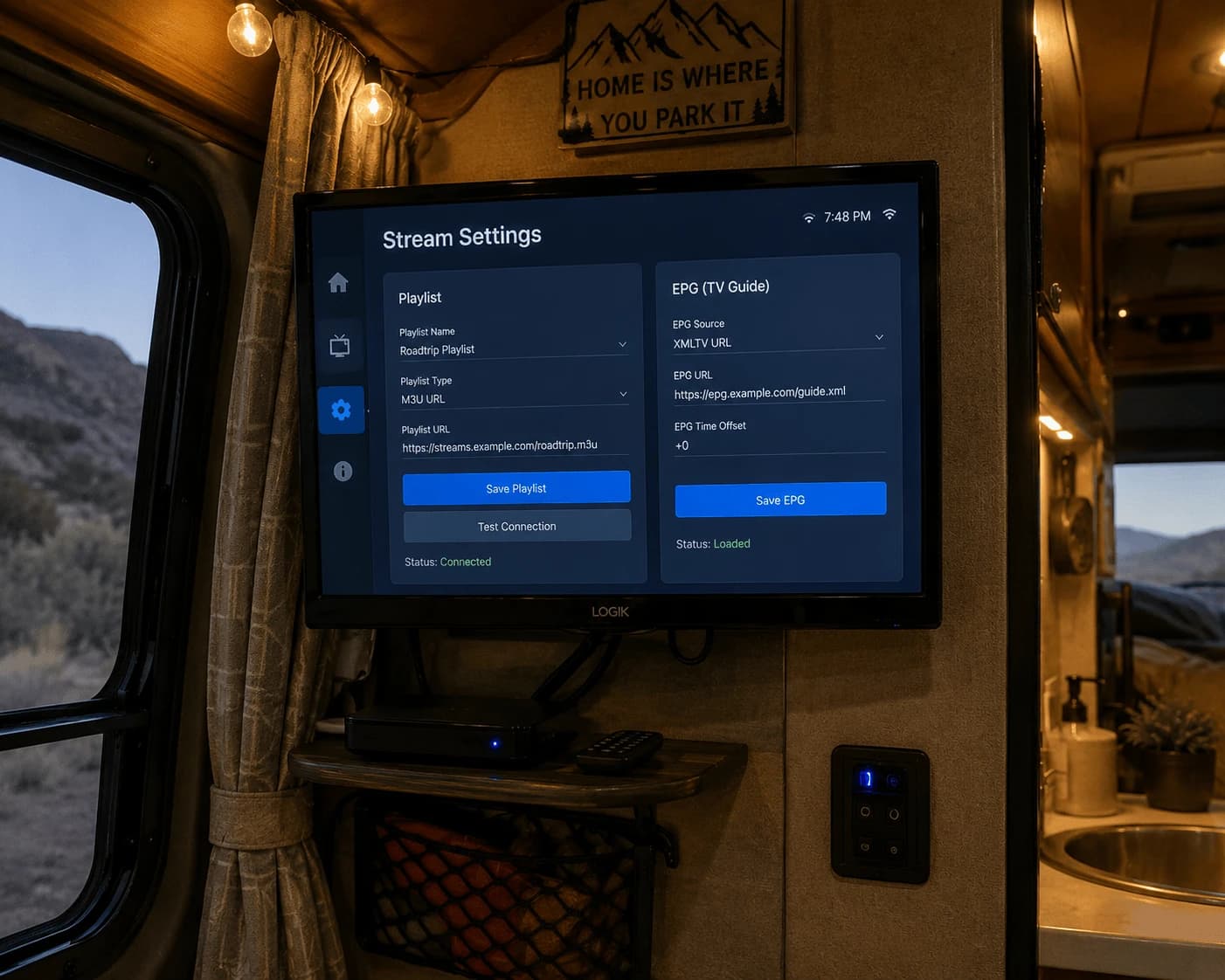
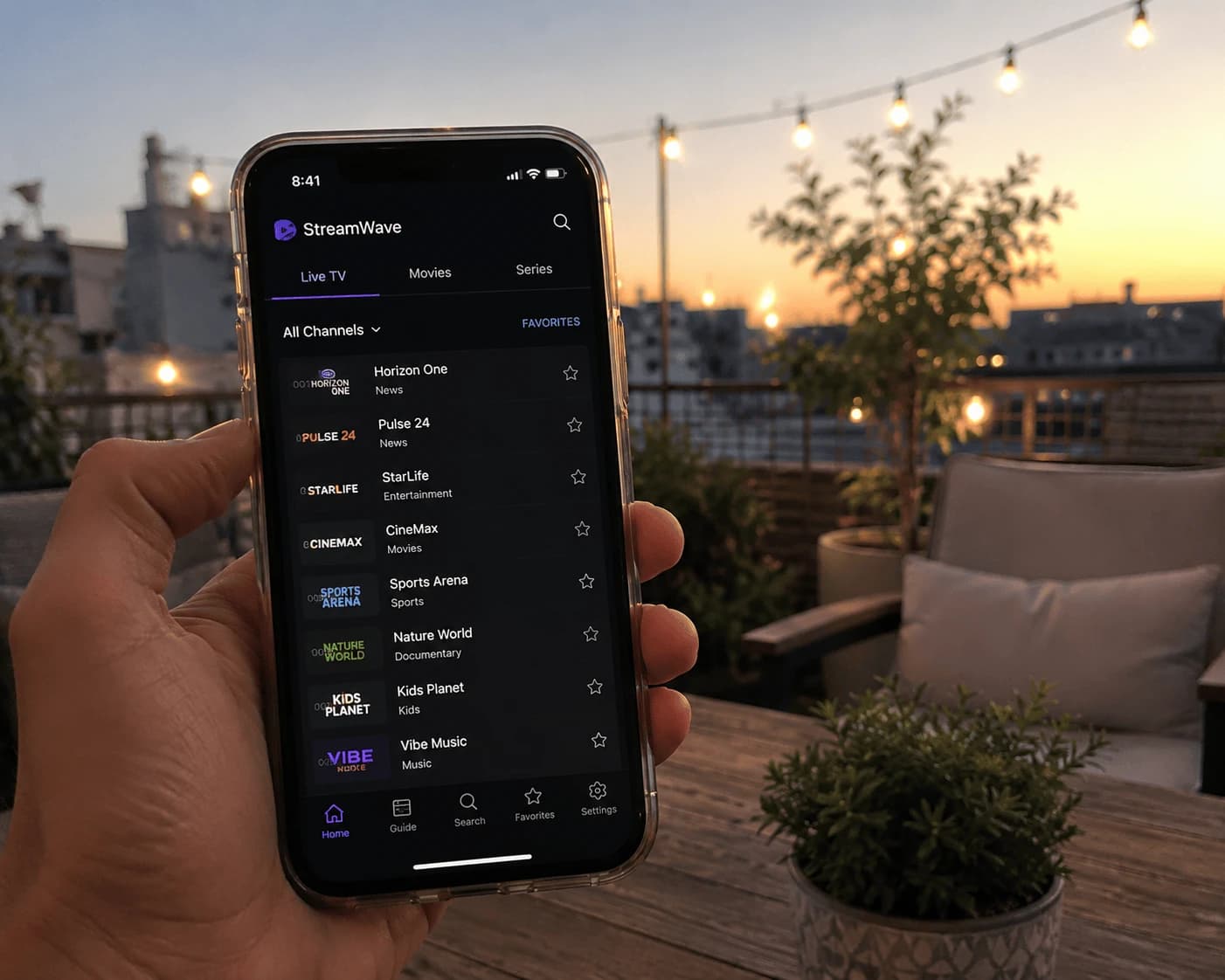
You can run IPTV Smarters Pro on a Firestick: install it from the Amazon Appstore if it's listed in your region, or sideload the APK from the developer's official website, then log in with the Xtream details from your provider. If Smarters keeps refusing to update, log in or load channels, the quickest fix is often a different player — and IBO Player Pro is the one we'd switch to. Both routes are below.
Image: IPTV Smarters Pro on Firestick — install, log in, troubleshoot
What is IPTV Smarters Pro?
IPTV Smarters Pro is an IPTV player app for Android devices, Fire TV, iOS and smart TVs. It loads a playlist from your IPTV provider — Xtream login or an M3U link — and splits it into Live TV, Movies, Series and catch-up tabs. It contains no channels of its own: it's the screen, not the source.
How do you install IPTV Smarters Pro on Firestick?
There are two ways, and which one applies depends on your region.
Type IPTV Smarters Pro. If it's listed in your region, choose Get or Download, then Open.
Option 2: sideload the official APK
If the Appstore doesn't show it, the developer distributes the Android version from its own website, iptvsmarters.com. Install the free Downloader app, allow it under Settings → My Fire TV → Developer Options → Install unknown apps, then enter the official download link from that site. Our Firestick IPTV setup guide covers every screen.
One warning: search results are full of "Smarters" Downloader codes that don't match each other. A code is only a short link to a file — if it doesn't come from the developer, you have no idea what it installs. Take the link from the official site, or use an app with a verified code.
Logging in
On first launch, choose Login with Xtream Codes API and enter any profile name, the server URL, username and password from your provider's welcome email. If you were given an M3U link instead, choose the playlist/URL option and paste it. Select Add User, and the channel list, films and series load within seconds. No credentials yet? Try Watchzio free for 24 hours — no card needed.
Common IPTV Smarters Pro problems on Firestick — and fixes
Smarters won't update
A sideloaded app doesn't update itself through the Appstore. Download the newer version from the official site and install it over the existing one. If Fire TV refuses ("App not installed"), uninstall the old version first and log in again — keep your Xtream details to hand.
"Expired" or "account expired"
That message almost always refers to your IPTV subscription, not the app. Smarters shows the expiry date your provider sends; once it passes, channels stop loading. Renew or ask your provider for new details, then log in again.
Login fails or channels won't load
Nine times out of ten it's the server URL: a missing http://, an extra space, or a wrong port. Re-type it exactly as your provider wrote it. Still nothing? Delete the user and add it again from scratch.
Buffering
Aim for 10 Mbps for HD and 25 Mbps or more for 4K. A wired Ethernet adapter fixes most Firestick buffering that a speed test doesn't explain.
Parental control PIN
Go to Settings → Parental Control, set a PIN, and choose which categories need it. If you've forgotten the PIN, removing and re-adding the user usually resets it — check with your provider if not.
Still stuck? Switch to IBO Player Pro
If you've been round this loop more than once, change player rather than fighting the same app. IBO Player Pro plays the same playlist, and two things make it easier on a Firestick:
IPTV Smarters Pro
IBO Player Pro
Installing on Firestick
Appstore listing varies by region; otherwise an APK from the official site
Downloader code 481220, published by the developer
Adding your playlist
Typed on the TV with the remote
From your phone or computer at iboproapp.com, using the MAC address and Device Key shown on screen
If Smarters works for you, there's no reason to change — its separate Movies and Series tabs and multi-user profiles are genuinely good. If it won't install, won't update or keeps logging you out, IBO Player Pro is the quicker route back to watching, because the install code is verified and you never have to type a server address with a remote again.
The Bottom Line
Install Smarters from the Appstore or the official site only, fix most errors by re-checking the server URL and your subscription date, and switch to IBO Player Pro if the problems keep coming back. Either player works with a free 24-hour Watchzio trial — no credit card — and you can compare the IPTV subscription plans when you're ready.
Watch on any device — no cable needed
Start your free 24-hour trial. No credit card required.
Yes. Depending on your region it is either listed in the Amazon Appstore or can be sideloaded with the Downloader app using the official APK from iptvsmarters.com. Avoid codes from unofficial sites.
Why won't IPTV Smarters Pro update on my Firestick?
A sideloaded app does not update through the Appstore. Download the latest official APK and install it over the existing app; if Fire TV says the app was not installed, uninstall the old version first and log in again.
What does "expired" mean in IPTV Smarters Pro?
It refers to your IPTV subscription. Smarters displays the expiry date your provider sends, and once it passes the channels stop loading. Renew the subscription or get new login details from your provider.
What is the best alternative to IPTV Smarters Pro on Firestick?
IBO Player Pro is the easiest switch: it installs with the published Downloader code 481220 and lets you add playlists from your phone at iboproapp.com, so you never type a server address with the remote.
Can I use my Watchzio subscription in IPTV Smarters Pro and IBO Player Pro?
Yes. Both players work with Watchzio. You can switch between them at any time without changing your subscription.
Why does IPTV Smarters Pro say login failed?
Usually because the server URL is not typed exactly as your provider sent it, for example a missing http://, an extra space or a wrong port. Delete the user, add it again and re-type the details carefully.
Perfect Player still works but is no longer maintained. How to add your playlist and EPG, reload them, fix common errors, and which player to install instead.
Open an IPTV M3U playlist in VLC on Windows or Mac, turn Xtream login details into a working link, show the channel list and fix 'can't open MRL' errors.
Which IPTV Smarters app is the official one on the App Store, how to install it on iPhone or iPad, add your playlist, AirPlay it to your TV and fix common errors.