Skip to content
FirestickFire TVIPTV PlayerSetup Guide

How to Set Up IPTV on Firestick: Step by Step (2026)

Published: Updated: 5 min read
Share:

Watch on any device — no cable needed

Start your free 24-hour trial. No credit card required.

Start Free Trial

To set up IPTV on a Firestick, you allow the Downloader app to install apps, use it to install an IPTV player, then add the playlist your provider sent you. It takes about ten minutes. The step most guides skip is that newer Fire TV models hide Developer Options — so we start there, and then we use only player codes published by the app developers themselves.
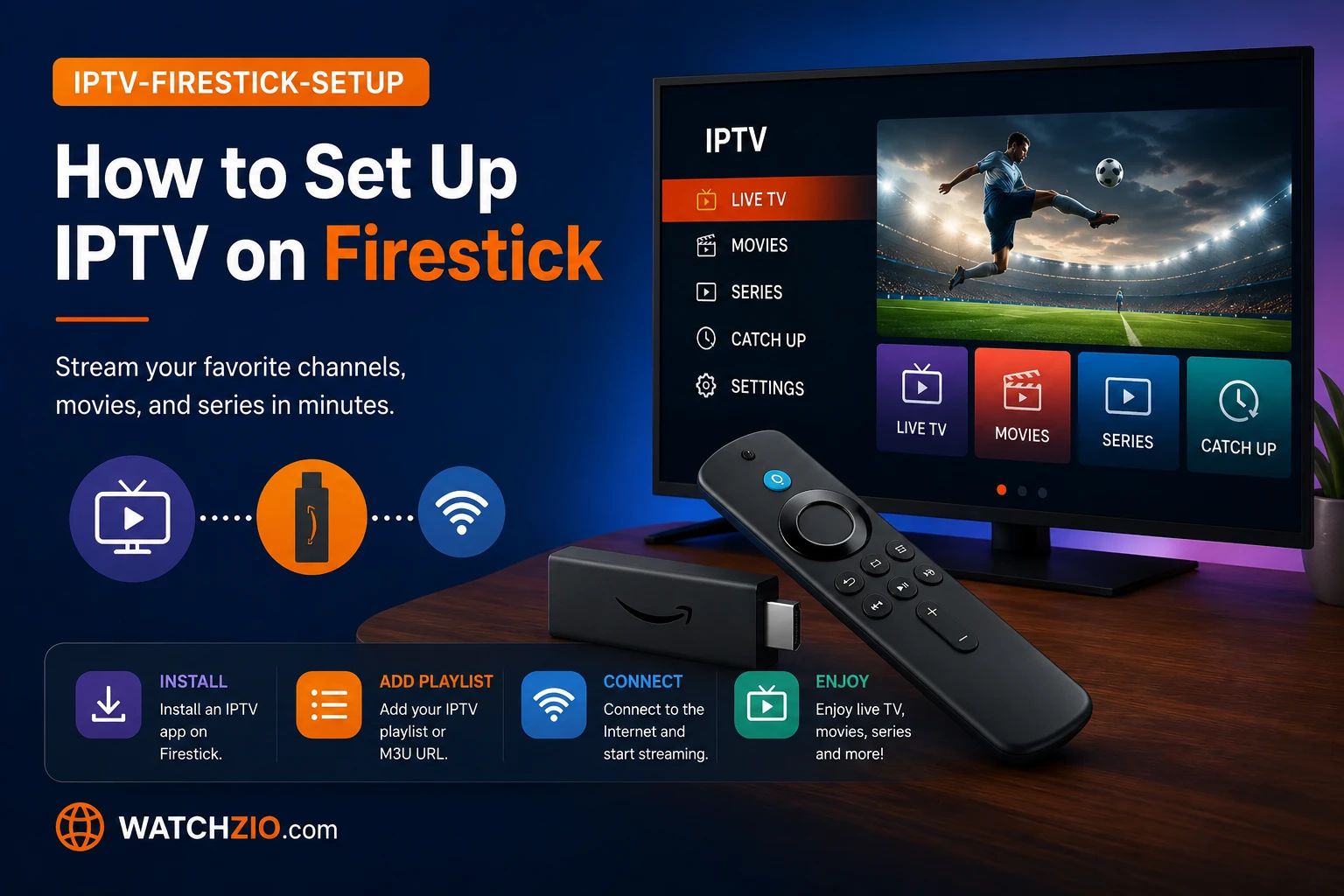
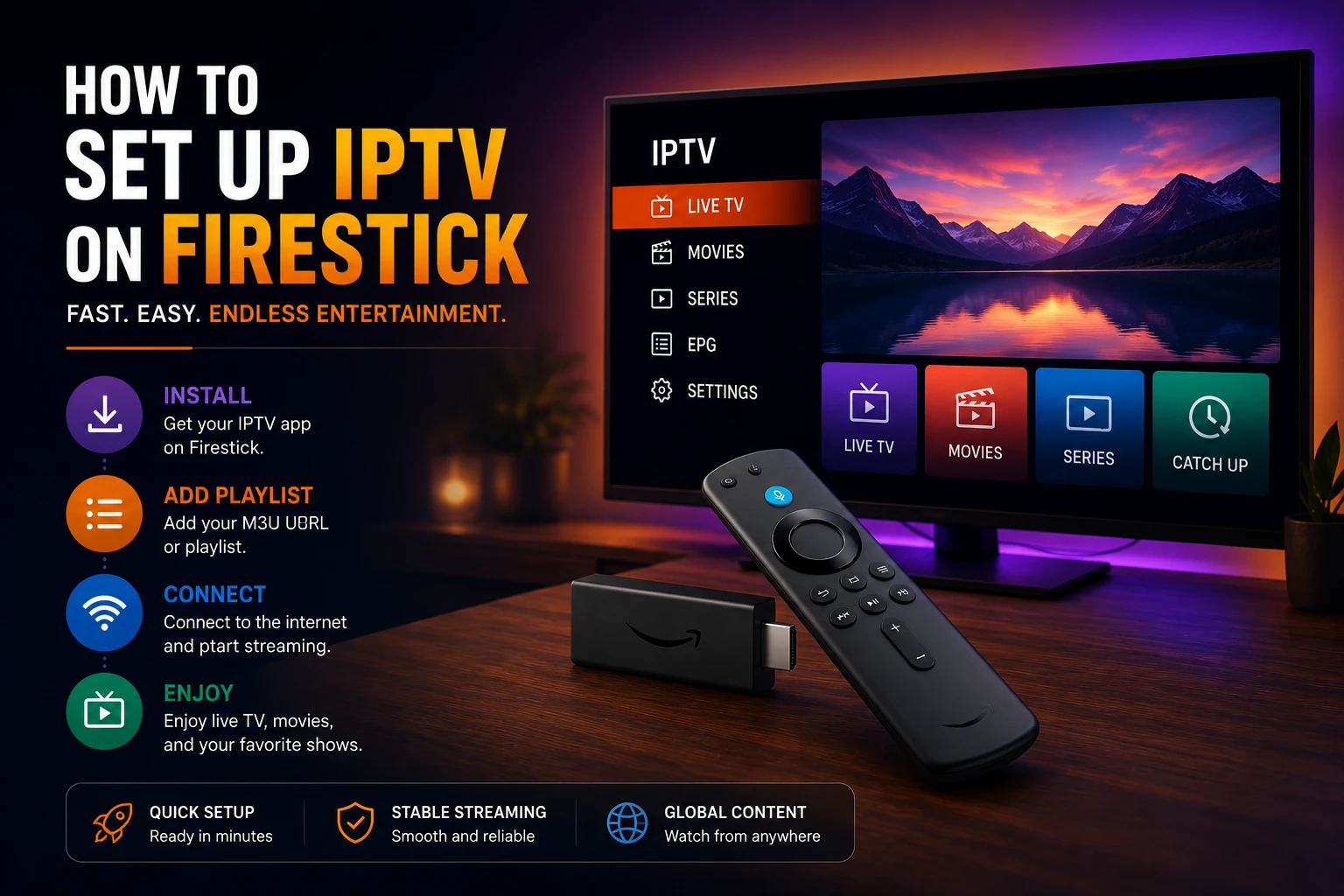
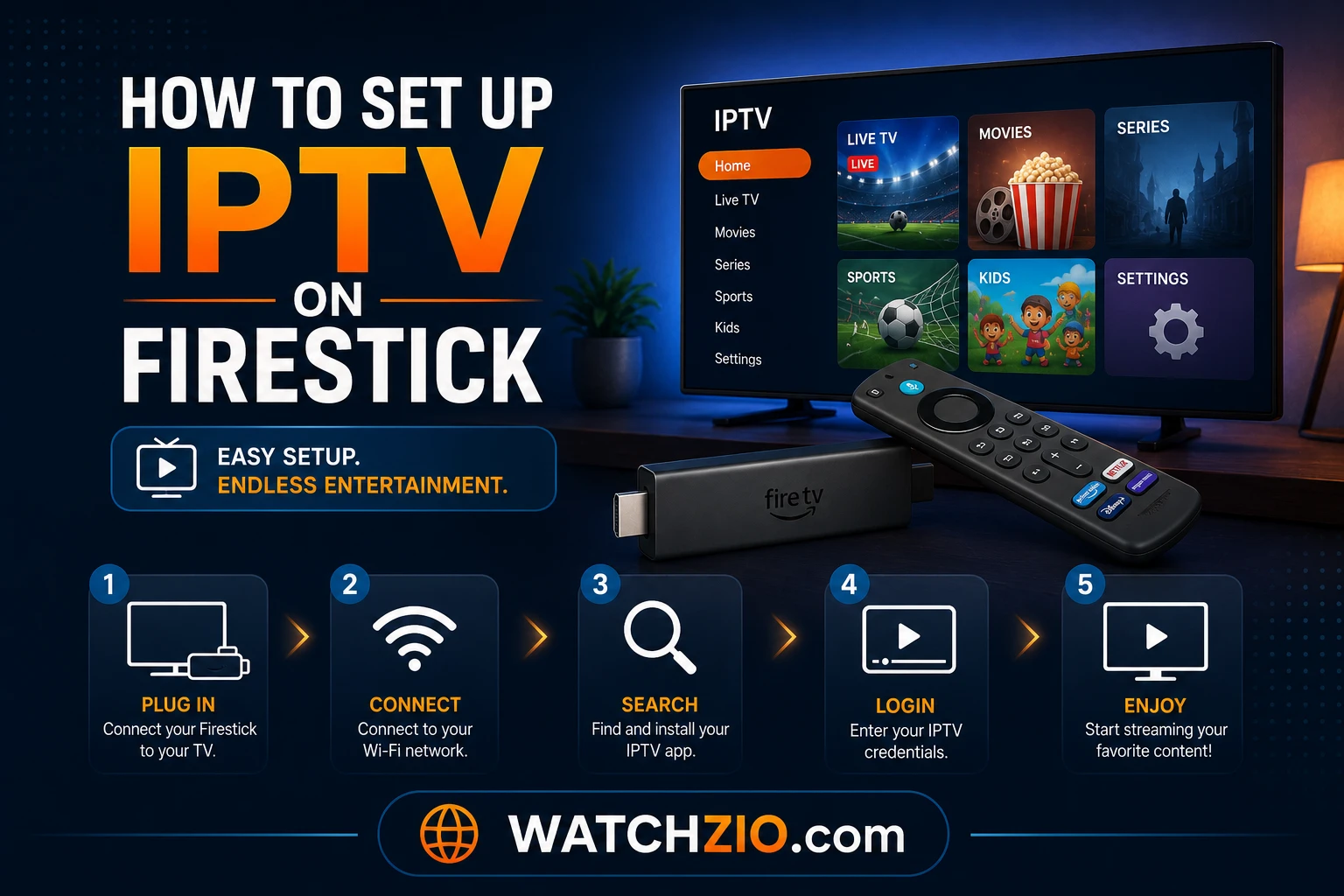
How to set up IPTV on Firestick step by step
Image: setting up IPTV on an Amazon Firestick, screen by screen

What you need before you start

  • A Firestick or Fire TV running Fire OS. Most sticks do. Some newer Fire TV models run Amazon's Vega OS instead, which can't install Android apps — check under Settings → My Fire TV → About.
  • Your IPTV details — an Xtream login (server URL, username, password) or an M3U link. Watchzio sends both by email the moment you sign up. No account yet? Start a free 24-hour trial — no card needed.
  • A decent connection — about 10 Mbps for HD and 25 Mbps or more for 4K.

Step 1: turn on Developer Options

  1. On the home screen, open Settings (the gear icon) and select My Fire TV.
  2. If you see Developer Options, skip to Step 2.
  3. If you don't, select About, then click your device name (for example "Fire TV Stick 4K") seven times. A message confirms you're now a developer.
  4. Go back one screen: Developer Options now appears in the list.

This is a standard Amazon setting, not a jailbreak. It lets you choose which apps may install other apps.

Step 2: install Downloader and allow it

  1. On the home screen, go to Find → Search, type Downloader and install the orange app by AFTVnews from the Amazon Appstore.
  2. Go to Settings → My Fire TV → Developer Options → Install unknown apps and switch Downloader on. Older Fire OS versions show a single Apps from Unknown Sources switch instead — turn that on.
  3. Open Downloader and allow the permissions it asks for.
Install Downloader app on Firestick for IPTV
Image: installing Downloader and allowing it under Install unknown apps

Step 3: choose and install an IPTV player

A player is the app that shows your channels; the subscription provides them. These three cover almost everyone:

PlayerBest forHow to install on Firestick
IBO Player ProAdding the playlist from your phone or laptop instead of the remoteDownloader code 481220, published by the developer
TiviMateThe best TV guide, recording and favouritesDownloader code 272483 or tivimate.com/apk, from tivimate.com
IPTV Smarters ProSeparate Movies and Series tabs, several user profilesAmazon Appstore where listed in your region, otherwise the official site

To use a code: open Downloader, select the address box, type the code, select Go and then Install. When it finishes, choose Delete to remove the installer file and free up space.

Only use codes from the developer. A Downloader code is just a short link to a file — a random code from a forum could install anything. Step-by-step guides for each player: IBO Player Pro, TiviMate and IPTV Smarters Pro.

Step 4: add your IPTV playlist

From your phone or laptop (IBO Player Pro)

Open IBO Player Pro and note the MAC address and Device Key on the screen. On your phone or computer, go to iboproapp.com, enter those two details and paste your M3U link or Xtream details. Restart the app and the channels load. No typing with the remote — the easiest way to "send" a playlist to a Firestick.

With the remote (TiviMate, Smarters)

  1. Choose Add playlist (TiviMate) or Add user (Smarters).
  2. Select Xtream Codes and enter the server URL, username and password exactly as your provider sent them — or select M3U and type the link.
  3. Wait 30–60 seconds while thousands of channels, films and series load.
Step 5: get sharp 4K and less buffering

  • Display: under Settings → Display & Sounds → Display, set the resolution to match your TV, with HDR if it supports it.
  • Wired beats wireless: an Ethernet adapter for the Firestick fixes most buffering that a speed test doesn't explain. On Wi-Fi, use the 5 GHz network.
  • Storage: keep free space under Settings → Applications → Manage Installed Applications — a full stick stutters and refuses to install updates.
Optimize Firestick for 4K IPTV streaming
Image: Firestick display and network settings for smooth 4K IPTV

Firestick IPTV problems and fixes

"App not installed" or the player won't install

Usually low storage: delete old installer files in Downloader and clear space. If the stick runs Vega OS, Android players can't be installed at all — use a Fire OS stick or another device.

The Downloader code doesn't work

Check you typed the code into Downloader's address box, not into the Fire TV search. If it still fails, type the developer's web address instead (for example tivimate.com/apk).

Channels won't load

Re-enter the server URL exactly — a missing http://, a space or a wrong port is the usual cause. Then confirm your subscription is active.

Buffering during live events

Switch to Ethernet or 5 GHz Wi-Fi, restart the stick and router, and keep at least 25 Mbps free for 4K. When buffering appears it's usually the home network.

The Bottom Line

Unlock Developer Options, allow Downloader, install a player from a verified code — IBO Player Pro if you'd rather add the playlist from your phone, TiviMate for the best guide — and enter your details. Ten minutes, and your Firestick has 20,000+ live channels and 90,000+ films and series on demand. Try Watchzio free for 24 hours, no credit card, or compare the IPTV subscription plans. New to it all? Read what IPTV is first.

Watch on any device — no cable needed

Start your free 24-hour trial. No credit card required.

Frequently Asked Questions

How do I put IPTV on a Firestick?
Turn on Developer Options, install Downloader from the Amazon Appstore and allow it under Install unknown apps, install an IPTV player such as IBO Player Pro (code 481220) or TiviMate (code 272483), then add your Xtream details or M3U link.
Why can't I find Developer Options on my Firestick?
Newer Fire OS versions hide it. Go to Settings → My Fire TV → About and click your device name seven times; Developer Options then appears under My Fire TV.
Which IPTV player is best for Firestick?
TiviMate has the best TV guide and recording. IBO Player Pro is easiest to set up because you add the playlist from your phone. IPTV Smarters Pro suits people who want separate Movies and Series tabs.
Can I add an IPTV playlist to my Firestick from my phone or laptop?
Yes, with IBO Player Pro. Note the MAC address and Device Key shown in the app, enter them at iboproapp.com on your phone or laptop, add your playlist, then restart the app.
Why won't my Firestick install the IPTV player?
Most often the stick is out of storage, so delete old installer files and unused apps. Fire TV models running Vega OS cannot install Android apps at all.
What internet speed do I need for IPTV on Firestick?
About 10 Mbps for HD and at least 25 Mbps for 4K. A wired Ethernet adapter or 5 GHz Wi-Fi gives the most stable picture.