Skip to content
IBO Player ProFirestickDownloader CodeHow-To

IBO Player Pro on Firestick: Install, Activate & Fix Issues (2026)

Published: Updated: 6 min read
Share:

Watch on any device — no cable needed

Start your free 24-hour trial. No credit card required.

Start Free Trial

To install IBO Player Pro on a Firestick, open the Downloader app and enter code 481220 (or the URL iboproapp.com/ibopro.apk), install the APK, then add your playlist using the MAC address and Device Key the app shows on screen. Five minutes, start to finish — if you pick the right app. That last part is where most people go wrong.
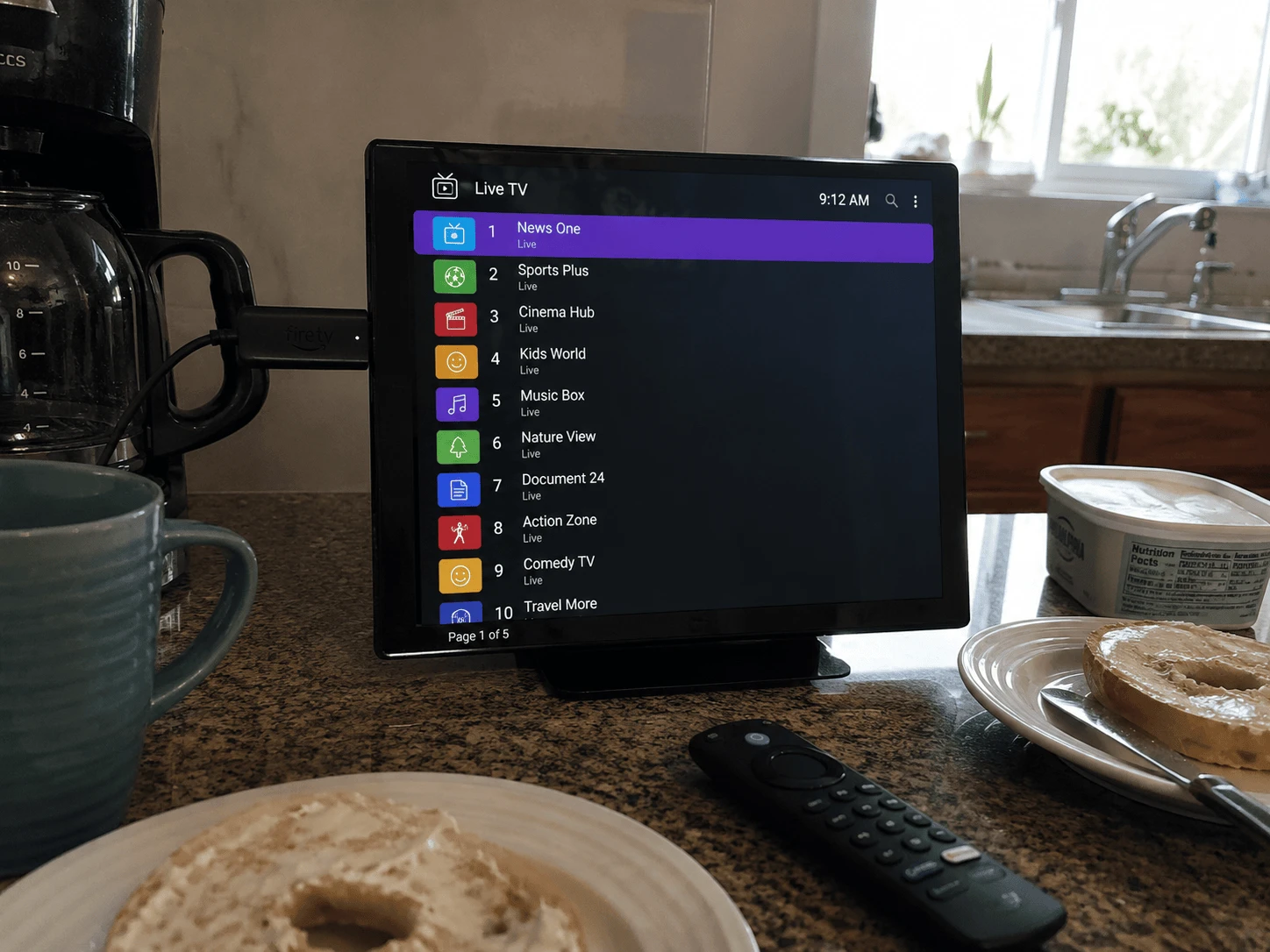
IBO Player Pro installed on an Amazon Firestick
Image: IBO Player Pro on Firestick — install, add a playlist, activate

First: which IBO app do you actually want?

"IBO" is a crowded name. At least five different apps use it, from two separate developers, and each has its own Downloader code. Grab the wrong one and your provider's activation instructions won't match what's on your screen.

App nameDeveloper siteDownloader code
IBO Player Pro (the one most providers mean)iboproapp.com481220
IBO Playeribo.al (Ibosol)1171959
IBO Player Pro — Ibosol editionibo.al (Ibosol)923441
IBO Pro Playeribo.al (Ibosol)6402995
IBO PROibo.al (Ibosol)474637

This guide covers IBO Player Pro from iboproapp.com — the version most IPTV providers send their customers to. The Ibosol apps follow a similar MAC-and-key idea, but their websites, menus and activation pages are different, so don't mix the instructions. Codes can change: if one stops working, check the developer's own site rather than a random forum post.

What is IBO Player Pro?

IBO Player Pro is a media player for Android TV, Android boxes and Amazon Fire TV devices that plays M3U and Xtream-style IPTV playlists. It contains no channels, films or series of its own — it is an empty player until you add a playlist from your provider. The developer says exactly that in its FAQ, and adds that the licence isn't refunded if you buy it without a working list.

How do you install IBO Player Pro on a Firestick?

IBO Player Pro isn't in the Amazon Appstore, so it's sideloaded with the free Downloader app. If you've installed any IPTV app on your Fire TV before, you already know the drill.

  1. Install Downloader. Search "Downloader" on the Fire TV home screen and install it (the orange icon by AFTVnews).
  2. Allow it to install apps. Go to Settings → My Fire TV → Developer Options → Install unknown apps and switch Downloader on. No Developer Options? Open Settings → My Fire TV → About and click your device name seven times to reveal it. Our Firestick IPTV setup guide walks through this screen by screen.
  3. Enter the code. Open Downloader, select the URL box and type 481220, then press Go. If the code doesn't resolve, type iboproapp.com/ibopro.apk instead — same file.
  4. Install. When the download finishes (around 22 MB), choose Install, then Done. Delete the APK when Downloader offers to — it frees space on 8 GB sticks.
  5. Open IBO Player Pro. The first screen shows your MAC Address and Device Key. Write both down, or take a photo of the TV — you need them in the next step.

The same steps work on the Fire TV Cube and Fire TV Stick 4K/4K Max — the menus are identical.

How do you add your playlist?

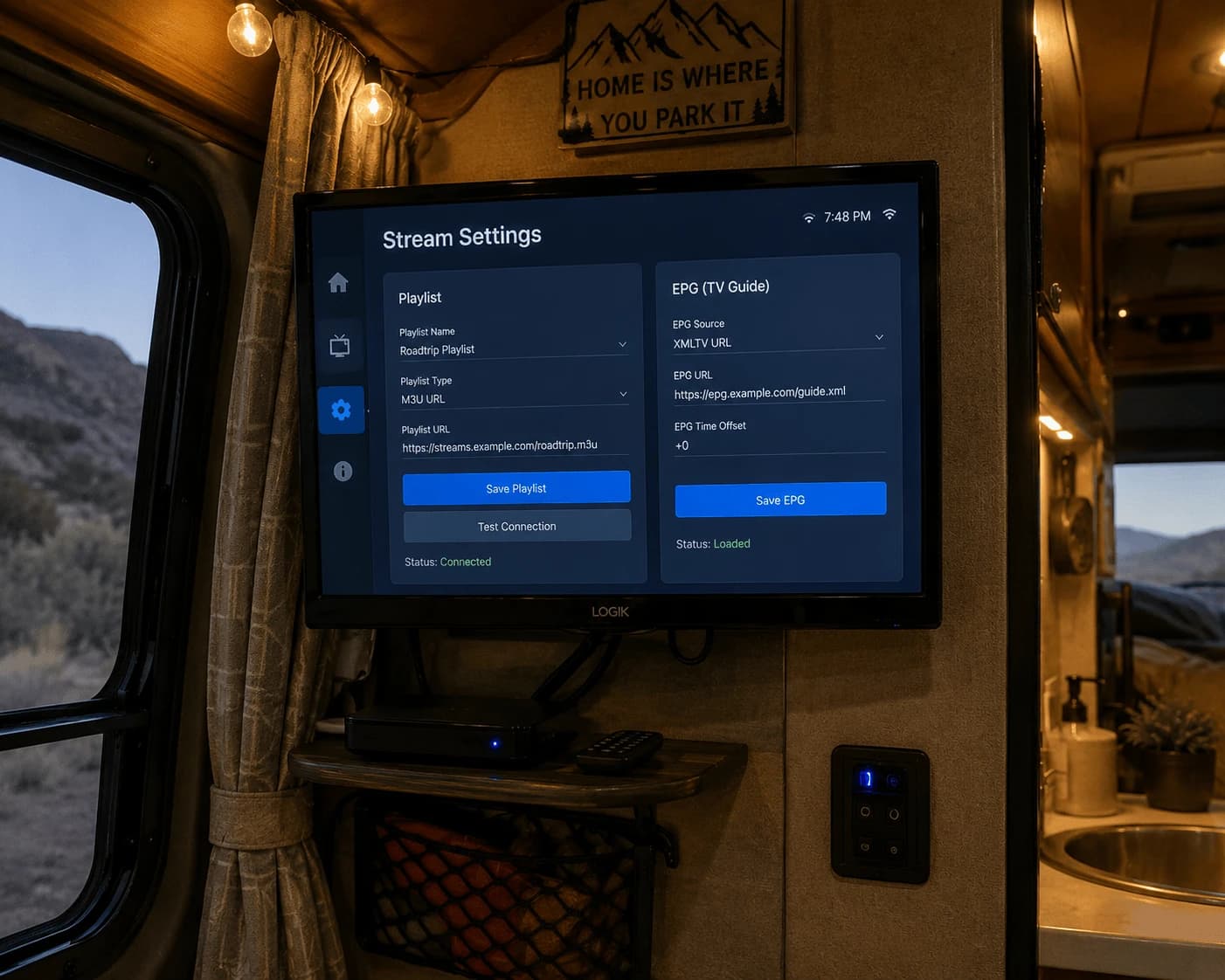
You have two routes. Most people find the website quicker, because typing a long server URL with a Fire TV remote is painful.

Option A: through the IBO Player Pro website

  1. On your phone or computer, open iboproapp.com → Manage Playlists.
  2. Log in with the MAC Address and Device Key from your TV.
  3. Add a playlist: paste the M3U link your provider sent, or the Xtream details (server URL, username, password) if that's what you received. Give it a name and save.
  4. Back on the Firestick, restart IBO Player Pro. The playlist appears in the list.

Option B: inside the app

Add the playlist directly in IBO Player Pro's playlist settings using the same M3U link or Xtream details. Slower to type, but no second device needed.

Some providers do this part for you: you send them your MAC address and they push the playlist to your device. Either way, Watchzio credentials work with IBO Player Pro — if you don't have a playlist yet, try Watchzio free for 24 hours before you pay for any player licence.
Is IBO Player Pro free?

No — not permanently. You can install it and add a playlist without paying, but continued use requires activating a licence, which the developer handles as an in-app purchase. Our advice: confirm your playlist actually plays smoothly first, then activate. The developer is explicit that licences bought without a working list aren't refunded.

EPG: why is the TV guide empty?

IBO Player Pro has no guide data of its own. The programme guide only fills in if your provider supplies EPG data with the playlist. If channels play but the guide is blank, ask your provider whether EPG is included and wait 10–15 minutes after the first load — large guides take a while to populate on a Firestick.

Fixing common IBO Player Pro problems

  • Downloader says the code is invalid — type the URL iboproapp.com/ibopro.apk directly. Codes are just short links and occasionally expire.
  • "App not installed" — you're usually low on storage. Clear space under Settings → Applications → Manage Installed Applications, then retry.
  • The app freezes on start — it reloads your playlist from the provider's server every time it opens, so a slow server or weak Wi-Fi looks like a frozen app. Give it 30 seconds; if it's always slow, test on Ethernet.
  • Playlist works on your computer but not the Firestick — check both devices are on the same network (some internet providers block certain streams), then confirm the link isn't expired.
  • Reinstalled the app and the playlist is gone — open the app and check the MAC Address and Device Key it shows now, log in again at Manage Playlists with those exact values, and re-add the list. Compare the MAC with the one your provider has on file; a single wrong character breaks activation.
  • Buffering — aim for 10 Mbps for HD and 25 Mbps or more for 4K. A wired Ethernet adapter fixes most Firestick buffering that a speed test doesn't explain.

IBO Player Pro vs TiviMate and IPTV Smarters

IBO Player Pro's selling point is the MAC-and-key system: you manage playlists from your phone instead of typing on the TV. TiviMate has the stronger TV-guide grid and recording features, while IPTV Smarters Pro is the easiest to start with using Xtream login. All three play the same playlist — channel availability and picture quality come from your provider, not the player.

The Bottom Line

Use Downloader code 481220, write down the MAC Address and Device Key, add your playlist at iboproapp.com, and only activate the licence once everything plays. Need a playlist to test it with? Start a free 24-hour Watchzio trial — no credit card — or compare the IPTV subscription plans.

Watch on any device — no cable needed

Start your free 24-hour trial. No credit card required.

Frequently Asked Questions

What is the Downloader code for IBO Player Pro?
The developer lists Downloader code 481220 for IBO Player Pro on Android and Fire TV. If the code fails, enter the direct URL iboproapp.com/ibopro.apk in Downloader instead — it downloads the same APK.
Is IBO Player Pro on the Amazon Appstore?
No. IBO Player Pro is not in the Amazon Appstore, so it is sideloaded with the free Downloader app after you allow Downloader to install unknown apps in Settings → My Fire TV → Developer Options.
Is IBO Player Pro free?
You can install it and add a playlist without paying, but continued use requires activating a licence through an in-app purchase. The developer does not refund licences bought without a working playlist, so test first.
What is the difference between IBO Player and IBO Player Pro?
They are different apps. IBO Player Pro comes from iboproapp.com (code 481220), while IBO Player, IBO Pro Player and IBO PRO are separate apps from the developer Ibosol (ibo.al), each with its own website and code. Follow the instructions for the exact app your provider names.
How do I get my playlist back after reinstalling IBO Player Pro?
Open the app and note the MAC Address and Device Key it shows now, log in at iboproapp.com/manage-playlists with those exact values and add the playlist again. If your provider activated it for you, send them the MAC address shown on screen.
Why is my IBO Player Pro playlist not loading?
The app loads the list from your provider's server on every start, so a slow server, an expired link or weak Wi-Fi are the usual causes. Check the link still works, wait 30 seconds after opening, and try a wired connection.