GSE Smart IPTV is a solid IPTV player, but it isn't on every TV. Its developer, GSE TECHNOLOGY LTD (droidvision), publishes it on Google Play and the Apple App Store — so Android TV sets and Apple TV are covered. For Samsung and LG TVs we couldn't find an official listing, and that's where most "GSE download for Samsung TV" searches end in frustration. Below: what works on which TV, how to set it up, and what to install instead on a Samsung or LG.
Can you download GSE Smart IPTV on your TV?
It depends on the TV's operating system. Here's what the official store listings show:
| Your TV | GSE Smart IPTV? | Where to get it |
|---|---|---|
| Android TV / Google TV (Sony, Philips, TCL, some Hisense) | Yes, if your TV's Play Store lists it | Google Play — GSE SMART IPTV PRO by droidvision |
| Apple TV box | Yes | App Store — GSE SMART IPTV PRO by GSE TECHNOLOGY LTD (paid) |
| Samsung (Tizen) | No official listing found | Use a player listed in the Samsung store instead |
| LG (webOS) | No official listing found | Use a player listed in the LG store instead |
If your Samsung or LG store does show an app called "GSE", check the publisher before installing. Copycat apps reuse the name, and the real one comes from GSE TECHNOLOGY LTD / droidvision.
How to install GSE Smart IPTV on Android TV
- Open Google Play on the TV and search for GSE Smart IPTV.
- Choose GSE SMART IPTV PRO and confirm the developer is droidvision.
- Select Install, then Open.
Not in the results on your TV? Google Play only shows apps that the developer has marked as compatible with your device. In that case pick a TV-ready player instead — our TiviMate guide for Android TV is a good place to start.
How to install GSE Smart IPTV on Apple TV
- Open the App Store on the Apple TV and search for GSE Smart IPTV.
- Choose GSE SMART IPTV PRO from GSE TECHNOLOGY LTD. It's a paid app — a one-off purchase.
- Buy and install it, then open it from the home screen.
Worth knowing: the App Store shows the Apple TV version was last updated in 2023. It still runs, but if you want an actively updated player on Apple TV, IBO Pro Player is the alternative — our iPhone, iPad and Apple TV guide compares the two.
How to add your playlist in GSE Smart IPTV
According to its App Store listing, GSE supports Xtream Codes logins, remote M3U playlists and EPG, so you can use whichever format your provider sends:
- Xtream Codes API — enter a name, then the server URL, username and password from your provider.
- Remote playlist — add the M3U link as a remote playlist.
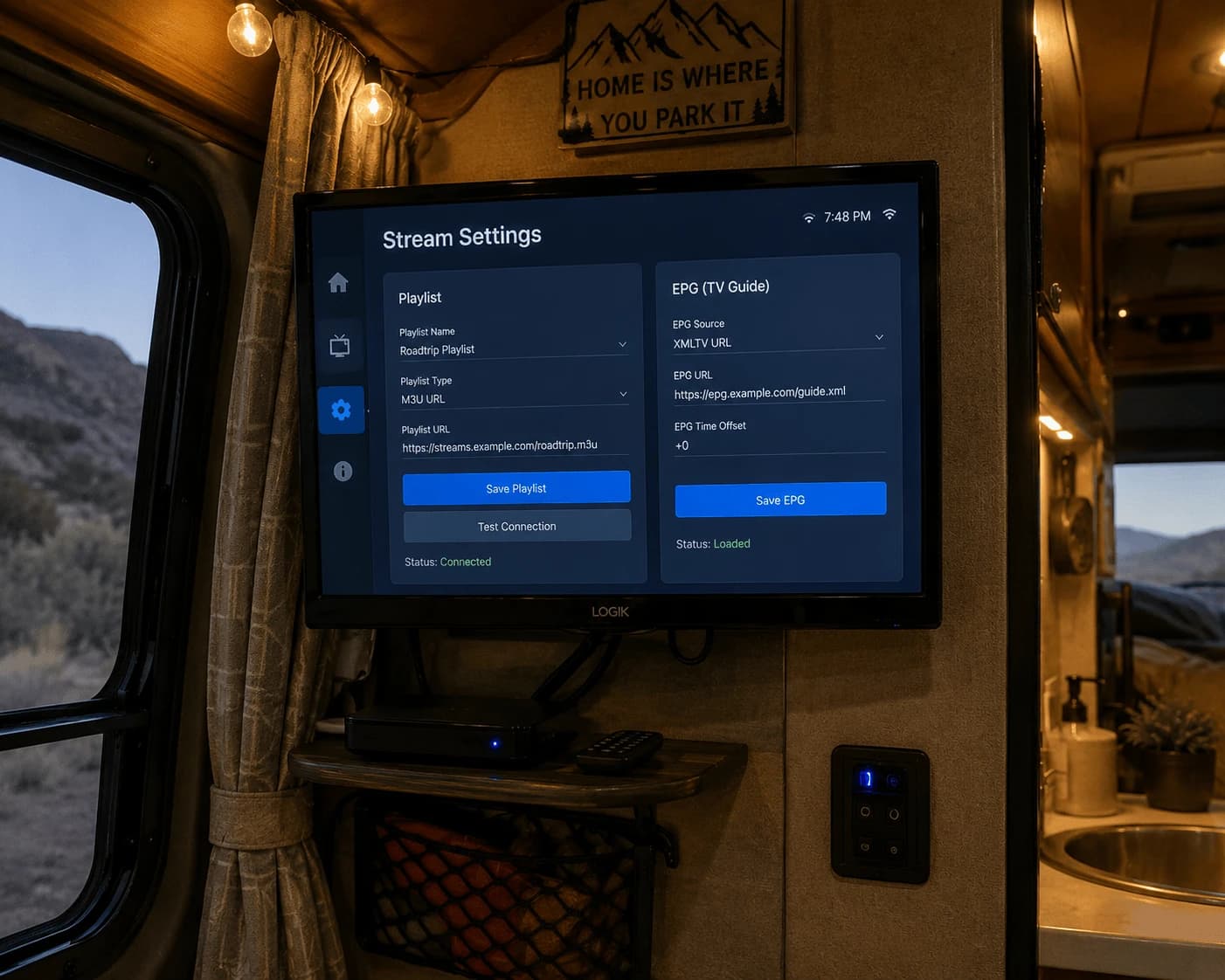
Typing a long link with a TV remote is slow. GSE also offers a web interface for managing playlists, which lets you add them from a computer instead — check the app's menu for the address. Watchzio sends both Xtream details and an M3U link in the welcome email. No playlist yet? Start a free 24-hour Watchzio trial — no card required.
Adding the TV guide (EPG)
With an Xtream login, the guide usually comes with the account. With an M3U link, add your provider's XMLTV address in the app's EPG settings and give the first load a few minutes.