Skip to content
GSE Smart IPTVSmart TVSamsung TVLG TV

GSE Smart IPTV on Smart TV: Samsung, LG & Android TV (2026)

Published: Updated: 4 min read
Share:

Watch on any device — no cable needed

Start your free 24-hour trial. No credit card required.

Start Free Trial

GSE Smart IPTV is a solid IPTV player, but it isn't on every TV. Its developer, GSE TECHNOLOGY LTD (droidvision), publishes it on Google Play and the Apple App Store — so Android TV sets and Apple TV are covered. For Samsung and LG TVs we couldn't find an official listing, and that's where most "GSE download for Samsung TV" searches end in frustration. Below: what works on which TV, how to set it up, and what to install instead on a Samsung or LG.
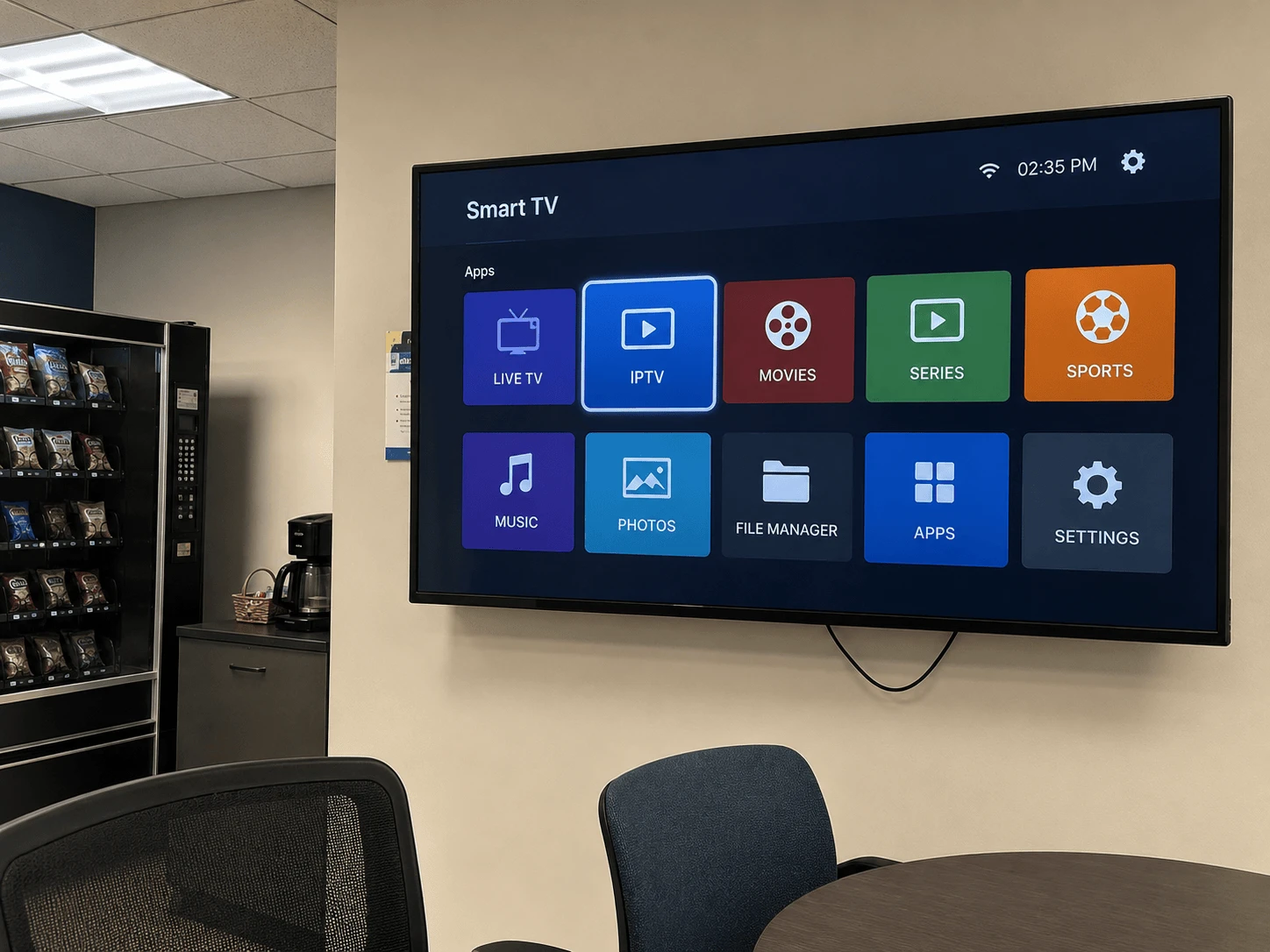
GSE Smart IPTV on a smart TV
Image: GSE Smart IPTV on Android TV, Apple TV, Samsung and LG

Can you download GSE Smart IPTV on your TV?

It depends on the TV's operating system. Here's what the official store listings show:

Your TVGSE Smart IPTV?Where to get it
Android TV / Google TV (Sony, Philips, TCL, some Hisense)Yes, if your TV's Play Store lists itGoogle Play — GSE SMART IPTV PRO by droidvision
Apple TV boxYesApp Store — GSE SMART IPTV PRO by GSE TECHNOLOGY LTD (paid)
Samsung (Tizen)No official listing foundUse a player listed in the Samsung store instead
LG (webOS)No official listing foundUse a player listed in the LG store instead

If your Samsung or LG store does show an app called "GSE", check the publisher before installing. Copycat apps reuse the name, and the real one comes from GSE TECHNOLOGY LTD / droidvision.

How to install GSE Smart IPTV on Android TV

  1. Open Google Play on the TV and search for GSE Smart IPTV.
  2. Choose GSE SMART IPTV PRO and confirm the developer is droidvision.
  3. Select Install, then Open.

Not in the results on your TV? Google Play only shows apps that the developer has marked as compatible with your device. In that case pick a TV-ready player instead — our TiviMate guide for Android TV is a good place to start.

How to install GSE Smart IPTV on Apple TV

  1. Open the App Store on the Apple TV and search for GSE Smart IPTV.
  2. Choose GSE SMART IPTV PRO from GSE TECHNOLOGY LTD. It's a paid app — a one-off purchase.
  3. Buy and install it, then open it from the home screen.

Worth knowing: the App Store shows the Apple TV version was last updated in 2023. It still runs, but if you want an actively updated player on Apple TV, IBO Pro Player is the alternative — our iPhone, iPad and Apple TV guide compares the two.

How to add your playlist in GSE Smart IPTV

According to its App Store listing, GSE supports Xtream Codes logins, remote M3U playlists and EPG, so you can use whichever format your provider sends:

  • Xtream Codes API — enter a name, then the server URL, username and password from your provider.
  • Remote playlist — add the M3U link as a remote playlist.

Typing a long link with a TV remote is slow. GSE also offers a web interface for managing playlists, which lets you add them from a computer instead — check the app's menu for the address. Watchzio sends both Xtream details and an M3U link in the welcome email. No playlist yet? Start a free 24-hour Watchzio trial — no card required.

Adding the TV guide (EPG)

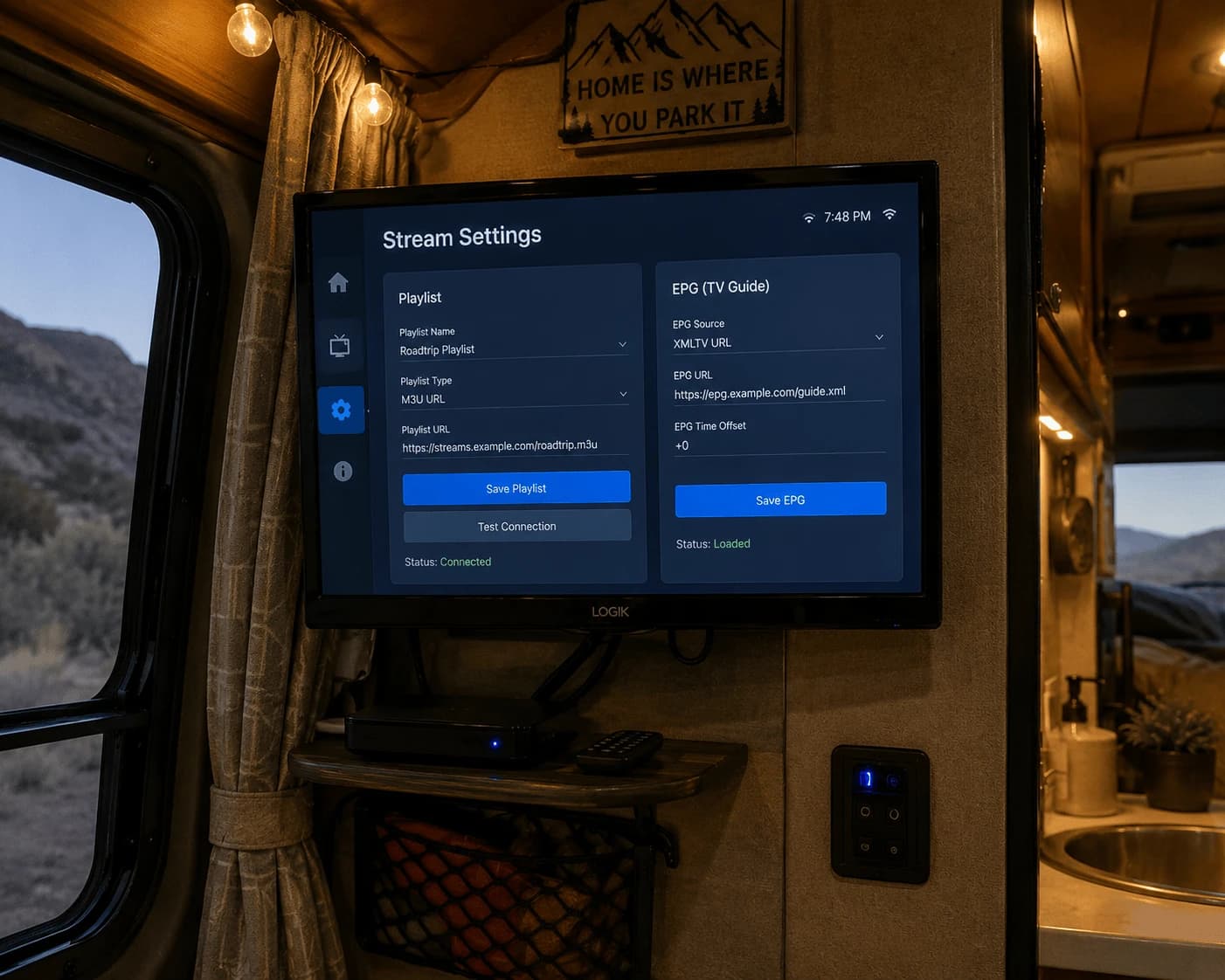
With an Xtream login, the guide usually comes with the account. With an M3U link, add your provider's XMLTV address in the app's EPG settings and give the first load a few minutes.
What to use on Samsung and LG TVs instead

Skip the USB "widget" files and DNS changes you'll see suggested online — they rely on files and servers you can't check, and they tend to break after a TV update. Use a player that's listed in the TV's own store. IBO Player Pro is the one we recommend: its developer links to listings in both the Samsung and LG stores, and you add your playlist from your phone or computer at iboproapp.com, so there's no typing with the remote.

  1. Open the Samsung Apps store or the LG Content Store and search for IBO Player Pro.
  2. Install and open it, then note the device details it shows on screen.
  3. On iboproapp.com, enter those details and upload your playlist.

Our Samsung and LG smart TV guide walks through every step.

Fixing common GSE Smart IPTV problems

The playlist won't load

Re-enter the server URL or M3U link exactly as your provider sent it — a missing http://, a stray space or a wrong port are the usual causes. Then check the subscription is still active.

The guide is empty

Check the XMLTV address in the EPG settings and wait a few minutes for the first download. A playlist with thousands of channels takes longer.

Buffering

HD needs about 10 Mbps and 4K at least 25 Mbps. Smart TV Wi-Fi is often weaker than a phone's — an Ethernet cable to the TV fixes most buffering a speed test doesn't explain.

The Bottom Line

GSE Smart IPTV works on Android TV through Google Play and on Apple TV through the App Store. On a Samsung or LG TV, don't hunt for workarounds — install IBO Player Pro from the TV's own store and add your playlist from your phone. Whichever player you pick, test it with a free 24-hour Watchzio trial, no credit card, and compare the IPTV subscription plans when you're ready.

Watch on any device — no cable needed

Start your free 24-hour trial. No credit card required.

Frequently Asked Questions

Can I download GSE Smart IPTV on a Samsung TV?
We found no official GSE Smart IPTV listing in the Samsung TV app store. Install a player that is listed there, such as IBO Player Pro, and avoid USB widget files or DNS workarounds.
Is GSE Smart IPTV available for LG smart TVs?
Not as an official listing we could find in the LG Content Store. On an LG TV, use a store-listed player such as IBO Player Pro and add your playlist from your phone at iboproapp.com.
Where can I download the official GSE Smart IPTV?
The developer, GSE TECHNOLOGY LTD (droidvision), publishes GSE SMART IPTV PRO on Google Play for Android devices and on the Apple App Store for iPhone, iPad and Apple TV.
Does GSE Smart IPTV support Xtream Codes?
Yes. Its App Store listing includes Xtream Codes API support, alongside remote M3U playlists, EPG and parental control.
Is GSE Smart IPTV free?
On the Apple App Store, GSE SMART IPTV PRO is a paid app with a one-off price. The app contains no channels, so you also need a playlist from an IPTV provider.
What is the best alternative to GSE Smart IPTV on a smart TV?
On Samsung and LG TVs, IBO Player Pro is the easiest choice because it is listed in both stores. On Android TV, TiviMate is a strong option with an excellent TV guide.